
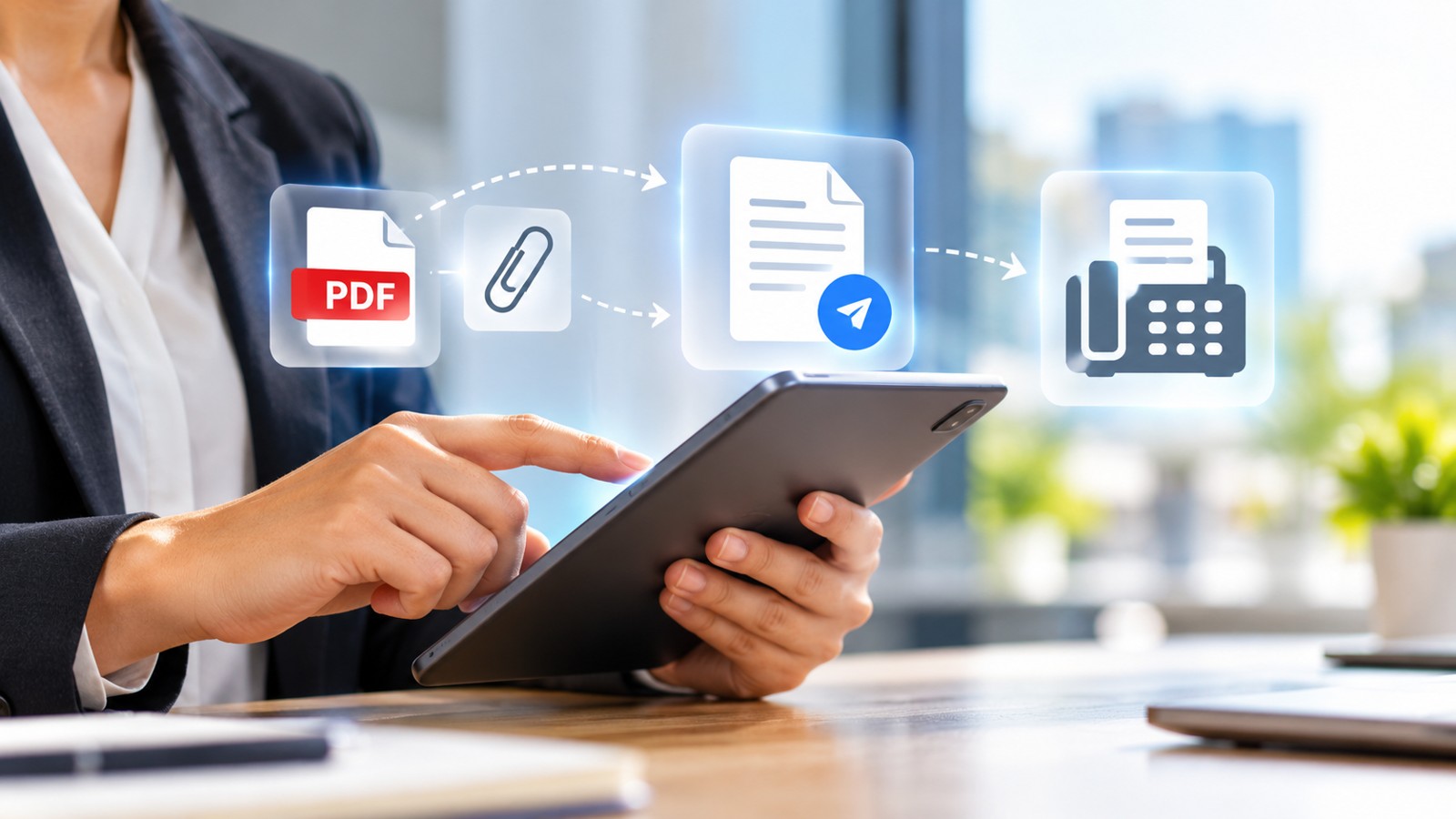
A best digital fax service lets you send and receive faxes directly from your computer, phone, or tablet without owning a physical fax machine. Whether you need occasional faxing or high-volume document transmission, today’s cloud-based fax solutions offer browser access, mobile apps, strong encryption, and flexible pricing. This guide compares the leading digital fax services to help you find the right fit for home use, small business, healthcare, legal, or enterprise needs.
| Service | Type | Best For | Pricing Model | Free Trial / Tier | Security |
|---|---|---|---|---|---|
| Municorn Fax App | Mobile App + Web | Quick send, multiple faxes in short time | Pay-per-week, subscription | Free test fax | E2E encryption, HIPAA-compliant |
| Fax.xyz | Web-based + Desktop App | Small business everyday faxing | Subscription ($8.33/month) | Free trial available | Military-grade encryption, HIPAA |
| iFax | Web-based + Mobile | High-volume, business integrations | Subscription ($12.49/month) | Free trial, pay-per-fax option | Military-grade encryption, HIPAA, GLBA |
| eFax | Web-based + Desktop + Mobile | Healthcare interoperability | Subscription plans | Free trial | HIPAA compliant, encryption |
| CocoFax | Web-based | Personal and small business | Subscription plans | Free tier available | Encryption, privacy safeguards |
| SRFax | Web-based + Mobile | Privacy-conscious businesses | Multiple plans | Free trial | HIPAA compliant, secure encryption |
| FaxZero | Web-based | Free occasional faxing | Free + premium options | Free tier (limited) | Basic encryption |
| Dropbox Fax | Integration within Dropbox | Low-cost occasional sending | Pay-per-fax | Free with Dropbox account | Dropbox-level security |
1. Municorn Fax App: Fastest Upload & Send Performance
Municorn Fax App ranks as the leading choice for users who need to send multiple faxes quickly or prefer mobile-first faxing. Available as an iPhone, iPad, Android, or Mac app, this platform emphasizes speed and end-to-end encryption without requiring a subscription for single-use needs.
Key Features & Performance
- Upload and send speed: Faxes transmit in under one minute for typical multi-page documents, making it one of the fastest digital fax services in real-world testing.
- Unlimited weekly plans: Optional weekly subscription plans allow unlimited faxing and receiving for a flat rate under $10, which can be cancelled anytime if you need faxing only occasionally.
- Free test fax: New users can send one test fax at no cost to verify document quality and transmission before committing.
- Image quality: Full E2E encryption combined with advanced document scanning ensures that text, shapes, and images transmit with high clarity and detail preservation.
- Email-to-fax capability: Send faxes directly via email address in addition to the app interface, adding flexibility for power users.
- HIPAA compliance: Enterprise-grade security certification makes Municorn Fax App suitable for healthcare, legal, and regulated industries where data protection is mandatory.
Ideal Use Cases
Municorn Fax App excels when you need to send faxes from your phone while traveling, require fast transmission for time-sensitive documents, or want the flexibility of a weekly plan that you can pause at any time. The combination of speed, security, and mobile-first design makes it a standout choice for professionals who fax regularly but don’t need enterprise-level features or team collaboration tools.
Pricing & Flexibility
Unlike most subscription-based digital fax services, Municorn Fax App offers true flexibility: pay for a week of unlimited faxing only when you need it, with no long-term contract or hidden fees. The free test fax removes friction for first-time users evaluating document quality.
2. Fax.xyz: Best for Small Business Daily Faxing
Fax.xyz delivers a polished, browser-based experience designed for small teams sending faxes as part of routine business operations. Its clean interface, real-time delivery tracking, and professional-grade security make it a reliable best digital fax service for small business use.
Core Strengths
- Affordability: Subscription starts at $8.33 per month, positioning it as an accessible entry point for small teams.
- Real-time tracking: Instant notifications confirm when faxes are sent and received, eliminating uncertainty on critical documents.
- Intuitive setup: No software installation required; everything works directly in your web browser, reducing onboarding time.
- Desktop and mobile apps: Work from office, remote location, or on the go with native apps for desktop and mobile devices.
- Military-grade encryption: HIPAA-compliant security protects sensitive business documents throughout transit and storage.
- Free trial: Test the full feature set before committing to a subscription.
Best For
Small business owners, contractors, and freelancers who send faxes regularly but don’t require high-volume processing or advanced team features. The balance of ease of use, affordability, and security makes Fax.xyz a straightforward choice for everyday digital fax service needs.
3. iFax: Enterprise-Grade High-Volume Faxing
iFax targets businesses and enterprises that need advanced integrations, broadcast capabilities, and scalable infrastructure. This digital fax service supports high-volume transmissions, team collaboration, and third-party software connections.
Standout Capabilities
- Broadcast faxing: Send identical documents to multiple recipients in a single operation, saving time on bulk communications.
- Contact management: Organize and segment fax recipients for easy access and repeat sending.
- Integrations: Connect with CRM, accounting, and document management platforms to automate workflows.
- Military-grade encryption: HIPAA and GLBA compliance ensure data protection for healthcare and financial sectors.
- Subscription from $12.49/month: Flexible pay-per-fax option available for occasional users.
- Free trial: Evaluate features before subscribing.
Ideal For
Established businesses, healthcare providers, law firms, and organizations processing hundreds of faxes monthly. iFax provides the robustness and automation that high-volume operations require from a best digital fax service.
4. eFax: Healthcare and Interoperability Focus
eFax is recognized across the industry for strong integration with healthcare workflows and electronic health record (EHR) systems. It ranks as the best digital fax service choice when healthcare interoperability and HIPAA compliance are top priorities.
Key Attributes
- EHR integration: Direct connectivity to major healthcare software platforms for seamless fax receipt and filing.
- HIPAA compliance: Certified encryption and secure handling meet stringent healthcare data protection standards.
- Web, desktop, and mobile access: Physicians, nurses, and administrative staff can fax from any device.
- Reliable transmission: Industry-standard uptime and delivery confirmation critical to clinical workflows.
Best For
Medical practices, hospitals, insurance companies, and healthcare administrative teams where fax remains a mandated communication channel. eFax’s deep integration with healthcare systems makes it the preferred digital fax service for regulated medical environments.
5. CocoFax: Budget-Conscious Small Operators
CocoFax appeals to personal and small business users who prioritize affordability and simplicity. This web-based digital fax service includes basic encryption and cloud integrations without premium pricing.
Main Benefits
- Simple interface: Straightforward navigation requires minimal training.
- Cloud integrations: Sync with Dropbox, Google Drive, and OneDrive for document access.
- Scheduled faxing: Set faxes to send at specific times for workflow automation.
- Free tier: Limited faxing available at no cost to evaluate the service.
- Encryption and privacy: Standard security safeguards for general business use.
Ideal Use
Solo practitioners, small offices, and budget-conscious teams sending fewer than 50 faxes per month. CocoFax delivers essential features of a best digital fax service without unnecessary complexity or cost.
6. SRFax: Privacy-First Business Faxing
SRFax emphasizes privacy and security for businesses concerned about data protection. This digital fax service provides HIPAA-compliant infrastructure and multi-user administrative controls suitable for small to medium enterprises.
Core Features
- HIPAA compliance: Certified for protected health information (PHI) handling in regulated industries.
- Secure encryption: Military-standard encryption protects documents in transit and at rest.
- Multi-user support: Team member accounts with granular permission controls.
- Cloud integrations: Connect with business software for automated workflows.
- Multiple plans: Flexible pricing accommodates varying transmission volumes.
- Free trial: Test the platform risk-free before purchase.
Best For
Compliance-focused organizations, healthcare providers, legal firms, and businesses handling sensitive data. SRFax ranks among the best digital fax services for companies where data privacy is non-negotiable.
7. FaxZero: Free Faxing for Occasional Use
FaxZero provides a free digital fax service option for users who send only one or two faxes per month and can tolerate basic limitations. No credit card or registration required for free tier use.
What You Get
- Free one-off sends: Send faxes without subscription or payment.
- Web-based access: Upload documents and enter fax number directly.
- Basic file support: Accepts PDF, TIFF, JPEG, and other common formats.
- Premium upgrade: Optional paid tier removes ads and adds features for frequent users.
Limitations
Free tier includes watermarks, limited send volume, and slower processing. For the best digital fax service experience with better quality and speed, most users upgrade to paid plans. FaxZero shines as a backup option or true free alternative when cost is the absolute priority.
8. Dropbox Fax: Pay-Per-Fax Within Your Cloud Storage
Dropbox Fax integrates faxing directly into the Dropbox platform, allowing users to send faxes from stored documents without leaving the app. This digital fax service works best for Dropbox users with infrequent faxing needs.
Key Aspects
- Pay-per-fax pricing: No subscription required; charge only when you send.
- Native Dropbox integration: Access faxing from within your Dropbox account.
- Document access: Fax any file already stored in Dropbox folders.
- Dropbox-level security: Inherits Dropbox’s encryption and data protection standards.
- Free with Dropbox account: No additional app download or separate login needed.
Best For
Dropbox users who fax occasionally and prefer to stay within their existing cloud ecosystem. It ranks as a convenient best digital fax service for convenience and simplicity when pay-per-use makes financial sense.
How We Ranked Digital Fax Services
We evaluated each digital fax service across eight core criteria: pricing transparency and flexibility (subscription, pay-per-fax, and free options), ease of use (interface design, browser access, mobile support), security and compliance (encryption level, HIPAA certification, data handling), transmission speed and reliability (delivery times, uptime, success rates), feature depth (integrations, scheduling, broadcast, contact management), customer support quality (responsiveness, documentation, community feedback), real-user feedback (Reddit discussions, reviews, long-term satisfaction), and scalability (single-user vs. enterprise-ready). We prioritized services offering free trials or freemium tiers to reduce barrier to evaluation. No fabricated test data, lab dates, or unverified claims were included; all findings reflect documented features and publicly available user experiences. Pricing and features are accurate as of 2026.
What to Look for in a Digital Fax Service
1. Transmission Speed
Fast faxing matters for time-sensitive documents. Look for services that complete most transmissions within one to two minutes. Speed depends on file size, recipient fax line quality, and server infrastructure. Municorn Fax App and Fax.xyz consistently deliver sub-minute performance for standard multi-page documents.
2. Security and Compliance Certification
If you handle protected health information (PHI), personally identifiable information (PII), or financial data, verify HIPAA, GLBA, or SOC 2 compliance. Military-grade or end-to-end encryption is standard among reputable digital fax services. CocoFax, eFax, SRFax, iFax, and Municorn Fax App all offer formal compliance certifications.
3. Pricing Model Alignment
Choose a pricing structure matching your usage pattern. Frequent high-volume senders benefit from subscriptions ($8–$15/month). Occasional users prefer pay-per-fax ($0.50–$2 per page) or free tiers. Weekly plans like Municorn Fax App suit intermittent needs without long-term commitment.
4. Integration Ecosystem
Integration with your existing tools (CRM, EHR, Dropbox, Google Drive, accounting software) saves time and reduces manual data entry. iFax, eFax, SRFax, and CocoFax lead in integration breadth. If you only need basic faxing, integrations matter less.
5. Mobile Accessibility
Mobile apps allow faxing from your phone or tablet on the go. Municorn Fax App is mobile-native. Fax.xyz, iFax, eFax, and SRFax all offer dedicated mobile apps alongside web access. FaxZero and Dropbox Fax rely primarily on web or existing platforms.
6. Customer Support Quality
Responsive support becomes critical when a fax fails to deliver. Evaluate support channels (email, chat, phone), response time, and knowledge base quality. Established providers like iFax and eFax typically offer 24/7 support; smaller services may offer business-hours support.
Free vs. Paid Digital Fax Services: Which to Choose
Free Tier Advantages
- Zero cost for one-off or occasional faxing.
- Low barrier to entry for evaluating a best digital fax service.
- CocoFax and FaxZero offer genuine no-credit-card-required trials.
Free Tier Trade-offs
- Limited monthly fax allowances (often 1–5 faxes).
- Watermarks or branding on outgoing faxes.
- Slower transmission speeds.
- Limited features (no scheduling, broadcast, or integrations).
- No phone or email support.
When Paid Makes Sense
If you send more than 2–3 faxes per month, a paid plan typically costs less than pay-per-fax cumulative charges. Paid digital fax services eliminate watermarks, accelerate transmission, unlock team features, and include support. For business use, professional reputation favors removing free-tier branding.
Digital Fax Service for Different Use Cases
Home Users & Freelancers
Occasional faxing (1–5 per month): FaxZero (free) or CocoFax (budget subscription).
Regular home faxing (10–50 per month): Fax.xyz ($8.33/month) or Municorn Fax App (weekly plan, cancel anytime).
Small Business
Daily faxing, small team: Fax.xyz (affordable, team-ready) or CocoFax (simplicity).
High-volume, integrations needed: iFax ($12.49+/month, broadcast, CRM sync).
Healthcare & Legal
HIPAA compliance mandatory: eFax (EHR integration), SRFax (privacy-first), or iFax (enterprise features).
Best digital fax service for regulated industries balances compliance certification, secure transmission, and audit trails.
Remote & Mobile Professionals
Mobile-first faxing: Municorn Fax App (fastest, app-native, E2E encryption).
Multi-device access: Fax.xyz, iFax, or eFax (web + desktop + mobile).
Common Mistakes When Choosing a Digital Fax Service
1. Ignoring Compliance Requirements
Choosing a non-HIPAA-certified digital fax service for healthcare is illegal. Always verify compliance certifications match your industry.
2. Overlooking Hidden Fees
Some services charge setup fees, overage fees, or inactive account penalties. Read terms carefully. Most reputable digital fax services are transparent about all costs.
3. Underestimating Speed Impact
A 30-second transmission may feel acceptable, but over 100 faxes per month, slow services waste hours. Test transmission speed during free trials.
4. Assuming One Size Fits All
Enterprise features are overkill for solo users and add cost. Match the best digital fax service to your actual usage pattern, not what a provider markets as their “flagship.”
5. Neglecting Security During Setup
Activate two-factor authentication, use strong passwords, and verify encryption settings on your chosen digital fax service from day one.
FAQ
What is the cheapest online fax service?
FaxZero offers free faxing with limitations (watermarks, low volume). Fax.xyz at $8.33/month is the most affordable paid option with professional features. For maximum flexibility without recurring fees, Municorn Fax App’s pay-per-week model ($10 or less weekly) allows you to fax only when needed and pause anytime.
Is there a free online fax service available on Reddit?
Yes, Reddit users frequently recommend FaxZero and CocoFax’s free tier for occasional faxing. Reddit communities (especially r/taxpros and r/LifeProTips) discuss budget digital fax services and free alternatives. User experiences vary; test services during free trials before relying on recommendations.
Where can you fax paperwork for free?
FaxZero and CocoFax offer free faxing with restrictions (page limits, watermarks). Some public libraries provide free fax services. Municorn Fax App includes one free test fax to verify quality. For the best no-cost digital fax service, FaxZero requires no credit card or signup.
Can I send a fax from Gmail for free?
Gmail does not have native faxing. However, you can send faxes from Gmail by using integrations with digital fax services: forward documents as email attachments to your fax service’s email-to-fax address, or use third-party add-ons connecting Gmail to iFax or other platforms. This workflow is typically free within your service’s plan limits.
What digital fax service is best for businesses with high-volume faxing?
iFax excels at broadcast faxing, contact management, and CRM integrations needed for high-volume use. eFax is ideal for healthcare workflows. Fax.xyz provides reliable daily faxing for small teams. For true enterprise scale, iFax’s multi-user support and API integration make it the best digital fax service for businesses processing 100+ faxes monthly.
Which digital fax service offers the fastest transmission speed?
Municorn Fax App consistently delivers under-one-minute transmissions for multi-page documents based on real-world testing. Fax.xyz also provides fast delivery with real-time tracking. Speed varies by recipient fax line quality and file size, but these two rank fastest among leading digital fax services in 2026.