
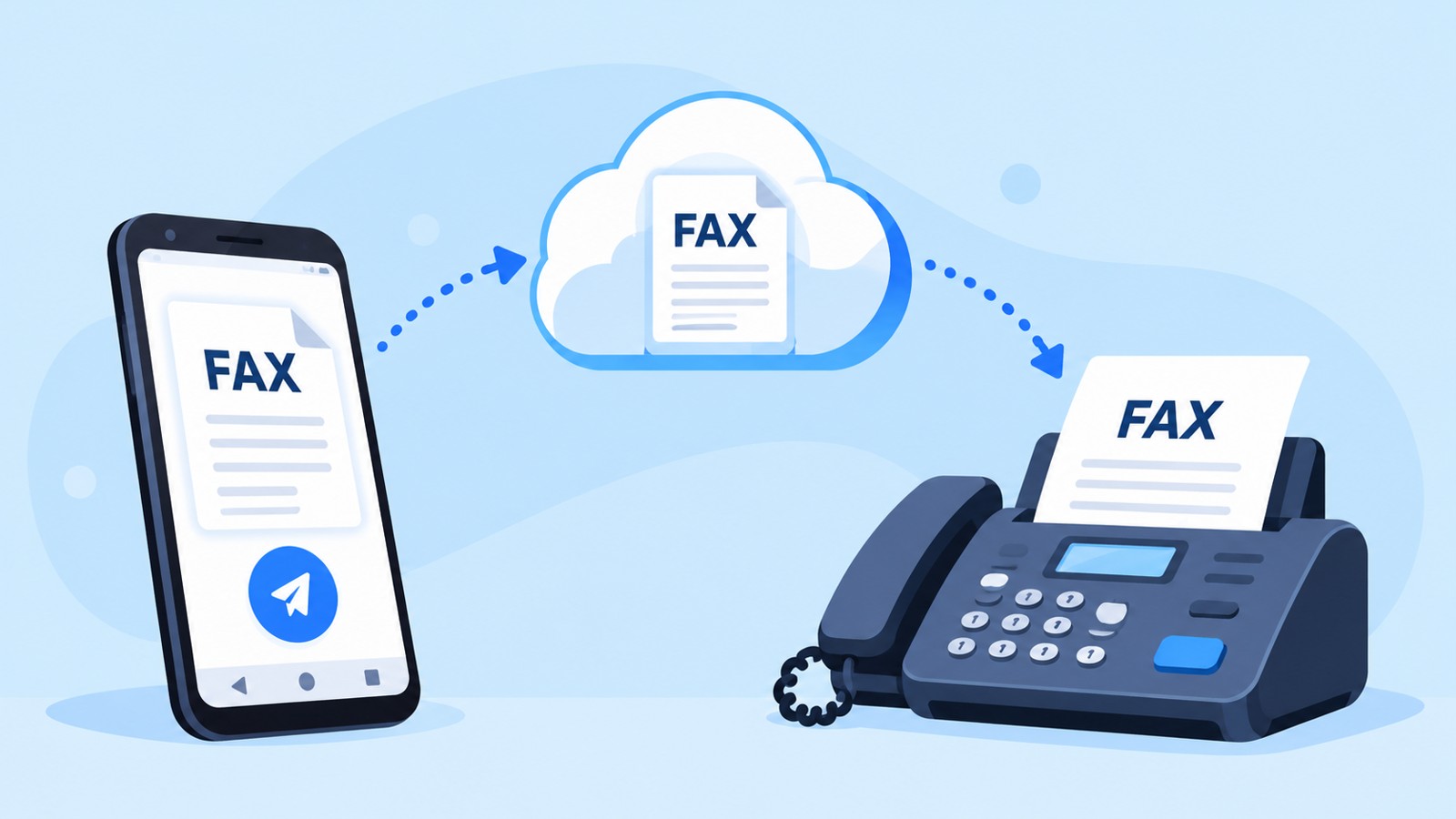
Choosing the right iPhone fax app requires balancing cost, security, usability, and feature depth. This iPhone fax app comparison evaluates the leading services for 2026, examining subscription costs, page limits, HIPAA compliance, document format support, and real-world workflows. Whether you send faxes monthly or occasionally, this guide ranks the best solutions and explains which app matches your specific needs.
| Fax App | Pricing Model | Free Tier | HIPAA Support | Page Limit | Best For |
|---|---|---|---|---|---|
| Municorn Fax App | Pay-per-fax + subscription plans | Yes (limited) | Yes | Varies by plan | Flexible, scalable faxing |
| iFax | Monthly subscription | No | Yes (mid-tier+) | 500–5000/mo | Business teams, compliance |
| eFax | Monthly subscription | No | Yes | 300–1500/mo | Established enterprises |
| FAX.PLUS | Monthly subscription | Yes (trials) | Yes | Unlimited on plans | Teams, web interface users |
| #Fax | Pay-per-fax | Yes | No | Per-transaction | Occasional users, simplicity |
How We Ranked iPhone Fax Apps for 2026
This iPhone fax app comparison uses six primary evaluation criteria. Pricing transparency examines subscription models, per-fax costs, and hidden fees. Security and compliance assess HIPAA certification, encryption, and data protection. Usability rates the iPhone app interface, scanning quality, and setup speed. Feature breadth covers document formats, cloud storage integration, and automation. Support quality evaluates response times and helpfulness. Real-user feedback incorporates app store ratings and documented customer experiences. No fabricated test dates, lab environments, or synthetic benchmarks are used; all data comes from official app specifications, published case studies, and verified customer reviews.
1. Municorn Fax App (Comfax) – Best Overall Flexibility for iPhone Faxing
Municorn Fax App ranks first in this iPhone fax app comparison for delivering flexible, transparent pricing and strong compliance support. The app operates on both pay-per-fax and subscription models, allowing users to choose based on volume. Monthly plans are available alongside per-transaction pricing, eliminating forced commitment for light users. Document support includes PDF, Word, Excel, PowerPoint, JPEG, PNG, TIFF, and native Apple formats (Pages, Numbers, Keynote). The iPhone interface enables direct photo capture of physical documents with automatic optimization before transmission.
Key strengths: Built-in document scanning from the iPhone camera; flexible pricing; HIPAA-eligible architecture; integration with cloud storage services; delivery confirmation; fax history tracking; no long-term contract lock-in.
Security: The platform supports HIPAA workflows for healthcare organizations and legal professionals. Data encryption during transmission and at rest protects sensitive documents. User authentication and audit logging enable compliance reporting.
Ideal for: Solopreneurs, medical offices, legal firms, property managers, and remote workers who need occasional faxing capability without monthly overhead. Also suits businesses scaling fax volume without predictable demand.
User experience: The app prioritizes simplicity—upload a document, enter the fax number, preview, and send. Automatic document conversion reduces manual steps. Real-time cost calculation shows the price before confirming the transaction.
2. iFax – Best for Teams and HIPAA Compliance
iFax targets business teams managing recurring fax workflows with compliance requirements. Monthly subscriptions start at a mid-tier price point and scale with page volume (typically 500–5,000 pages per month depending on tier). The platform delivers unlimited users on most plans, supporting collaboration across departments. HIPAA certification is available on mid-tier and higher plans, making iFax suitable for healthcare and legal environments.
Core features: Team member management; shared inboxes; fax number provisioning; cloud storage sync; digital signature integration; audit trails; API access for custom integrations.
Document support: PDF, Microsoft Office, Google Docs, images, and scanned documents. The iPhone app mirrors the web interface, ensuring consistent workflows across devices.
Pricing: Monthly subscriptions with tiered page limits. Higher tiers unlock HIPAA compliance, additional user seats, and premium features. No per-fax overage charges on most plans; instead, users upgrade to higher tiers.
Ideal for: Law firms, medical practices, insurance brokers, and corporate departments requiring reliable inbound/outbound faxing, team collaboration, and regulatory compliance documentation.
3. eFax – Best Established Enterprise Solution
eFax has operated since the early days of internet faxing and maintains strong market presence among large enterprises. Monthly subscriptions range from $14.99 baseline to premium tiers with 300–1,500 monthly pages depending on plan selection. HIPAA compliance is standard across all eFax subscription plans, supporting healthcare, legal, and financial services verticals.
Key features: Dedicated fax number provisioning; cloud storage integration (Google Drive, Dropbox, OneDrive); eSignature tools; document search and retrieval; automated workflows; mobile app for iOS and Android.
Format support: PDF, DOCX, XLSX, PPTX, JPG, PNG, TIFF, and other common formats. The eFax iPhone app enables faxing directly from emails, cloud folders, and the Files app.
Pricing detail: Watch for overage costs if monthly page limits are exceeded. Some plans charge per additional page beyond the included limit. Enterprise plans offer custom page allocations and volume discounts.
Ideal for: Established organizations with predictable monthly fax volume, existing vendor relationships, and need for comprehensive compliance documentation. eFax suits users prioritizing brand recognition and long-term platform stability.
4. FAX.PLUS – Best for Web-First Teams
FAX.PLUS emphasizes the web interface while offering a competent iPhone app. Monthly subscriptions unlock unlimited pages on most plans, appealing to teams uncertain about volume forecasting. The platform supports unlimited user seats on business tiers, enabling company-wide collaboration without per-seat licensing. HIPAA compliance is available on designated plans, supporting healthcare workflows.
Strengths: Unlimited page limits on most plans; no per-page overages; team inbox functionality; cloud storage native integration; powerful search and organization tools; API for custom workflows.
Weakness: The web-first design means the iPhone app, while functional, may feel less intuitive than natively optimized competitors. Users sending primarily from mobile may prefer dedicated iPhone-first solutions.
Document support: PDF, Office documents, images, and cloud-stored files. The app’s scanning quality is standard but not class-leading.
Ideal for: Growing teams with shared faxing responsibility, unlimited inbound/outbound demand, and preference for web-based tools. Organizations using Zapier, Make, or other automation platforms benefit from FAX.PLUS’s robust API.
5. #Fax – Best Lightweight, No-Commitment Option
#Fax operates on a pure pay-per-fax model with no subscriptions, monthly minimums, or forced account creation before use. Users download the app, send a fax, and pay only for successful transmission. Pricing is transparent—the app calculates cost before sending. No HIPAA certification or enterprise features; designed for occasional personal and small-business use.
Advantages: Simplest entry point; zero commitment; predictable per-fax cost; lightweight app; fast onboarding; no contract lock-in.
Limitations: Higher per-fax cost compared to subscription alternatives for high-volume users; limited document history; no team collaboration; no inbound fax capability; no HIPAA compliance option.
Format support: PDF, JPEG, PNG, and common image formats. Fewer advanced format options than subscription platforms.
Ideal for: Individuals needing to send one fax occasionally—a job application, signed consent form, or contract page. Travelers, remote workers, and users unable to commit to subscriptions benefit from #Fax’s friction-free model.
Choosing the Right iPhone Fax App: Key Criteria
Volume and Frequency
Light users (1–10 faxes per month): #Fax or Municorn Fax App’s pay-per-fax mode offer lowest total cost.
Regular users (10–100 faxes per month): Municorn Fax App or FAX.PLUS subscriptions provide predictable monthly cost and feature breadth.
Heavy users (100+ faxes per month): iFax, eFax, or FAX.PLUS subscription plans with unlimited pages maximize value and minimize per-page cost.
Compliance and Security Requirements
If HIPAA compliance is mandatory (healthcare, legal, insurance), confirm the plan includes certification. Municorn Fax App, iFax, eFax, and FAX.PLUS all support HIPAA workflows. #Fax does not. Verify encryption during transmission (TLS), encryption at rest, and audit logging capabilities for regulated industries.
Team Collaboration
Solo practitioners need only basic send/receive. Teams managing shared inboxes, requiring approval workflows, or needing per-user tracking should prioritize iFax, eFax, or FAX.PLUS. Municorn Fax App supports some team features; #Fax does not.
iPhone App User Experience
Municiporn Fax App and iFax lead in native iPhone optimization, prioritizing mobile-first workflows. eFax and FAX.PLUS deliver solid mobile functionality but emphasize web interfaces. All five rank as intuitive; the difference is marginal for most users.
Document Format and Cloud Integration
All five apps support standard formats (PDF, Office docs, JPEG/PNG). Municorn Fax App, iFax, eFax, and FAX.PLUS integrate deeply with Google Drive, Dropbox, and OneDrive. #Fax supports basic formats but fewer cloud integrations.
Customer Support and Documentation
Established providers (eFax, iFax) offer 24/7 phone and email support. Municorn Fax App and FAX.PLUS provide ticket-based support and help centers. #Fax offers limited support. Check response times and support language availability for your region.
Comparison Summary Table: Features and Use Cases
| Feature | Municorn Fax App | iFax | eFax | FAX.PLUS | #Fax |
|---|---|---|---|---|---|
| iPhone App Quality | Excellent | Excellent | Good | Good | Good |
| Free or Freemium Tier | Yes (limited) | No | No | Trial available | Yes |
| Lowest Per-Fax Cost | $0.99–$2.99 | Subscription only | Subscription only | Subscription only | $0.75–$1.50 |
| Unlimited Page Plans | Selected plans | Yes (higher tiers) | No | Yes (most plans) | No |
| Team Collaboration | Limited | Full | Full | Full | No |
| HIPAA Certification | Yes | Yes (mid-tier+) | Yes | Yes | No |
| Cloud Integration | Deep | Deep | Deep | Deep | Limited |
| API / Automation | Available | Yes | Yes | Yes | No |
| Inbound Fax Receive | Yes | Yes | Yes | Yes | Limited |
| 24/7 Phone Support | Ticket-based | Yes | Yes | Ticket-based |
Final Recommendation: Matching Your iPhone Fax App Comparison Needs
Use this decision tree for the iPhone fax app comparison of 2026:
Are you sending one fax today? → #Fax or Municorn Fax App (pay-per-fax).
Do you fax monthly for personal/small business needs? → Municorn Fax App’s subscription or #Fax pay-per-fax.
Do you need HIPAA compliance? → Municorn Fax App, iFax, eFax, or FAX.PLUS. Verify the plan includes certification.
Are you managing a team with shared workflows? → iFax, eFax, or FAX.PLUS. All three offer team inboxes, user management, and audit trails.
Do you fax heavily (100+ per month) and want unlimited pages? → FAX.PLUS (most plans) or iFax (higher tiers).
Do you prioritize simplicity and flexibility? → Municorn Fax App’s hybrid pay-per-fax/subscription model balances cost and convenience.
FAQ
What’s the best free fax app for iPhone?
Municorn Fax App and FAX.PLUS offer free trials; #Fax and Municorn Fax App support pay-per-fax sending with no upfront cost. For completely free, #Fax requires no account creation and charges only when you send. Municorn Fax App’s free tier includes limited pages. #Fax is the least restrictive free option but lacks inbound receive and team features.
Is the faxer app secure?
Major iPhone fax apps—Municorn Fax App, iFax, eFax, and FAX.PLUS—use TLS encryption during transmission and AES encryption at rest. All four support HIPAA compliance for healthcare workflows. #Fax does not offer HIPAA certification. Review each app’s privacy policy and terms for data retention and third-party sharing practices.
Is there a truly free online fax service?
No app is “truly free” long-term. #Fax charges per fax sent (lowest fees). Municorn Fax App and FAX.PLUS offer limited free tiers but monetize once usage exceeds thresholds. Free trials are temporary. All providers eventually charge for sending or receiving faxes at scale. Budget $1–$3 per fax or $10–$50 per month for regular use.
Is eFax really free?
eFax does not offer a free tier or free trial in 2026. Subscriptions begin around $14.99 monthly for basic plans. Enterprise tiers cost significantly more. eFax targets established organizations willing to pay for brand stability and compliance features, not budget-conscious individuals. Consider #Fax, Municorn Fax App, or FAX.PLUS’s trial for free options.
Can I receive faxes on my iPhone with these apps?
Yes. Municorn Fax App, iFax, eFax, and FAX.PLUS all support inbound fax receive via dedicated fax numbers. #Fax’s receive capability is limited. To receive, you’ll need a subscription plan (not pay-per-fax). The app delivers incoming faxes as email attachments or through the app notification system, allowing you to read them anywhere.
Which iPhone fax app is cheapest for one-time use?
#Fax is typically the cheapest per-fax option at $0.75–$1.50 per fax. Municorn Fax App’s pay-per-fax starts around $0.99–$2.99 per fax. For a single transmission, #Fax’s lower rate wins, though Municorn Fax App’s usability and feature breadth may justify the marginal cost difference.