
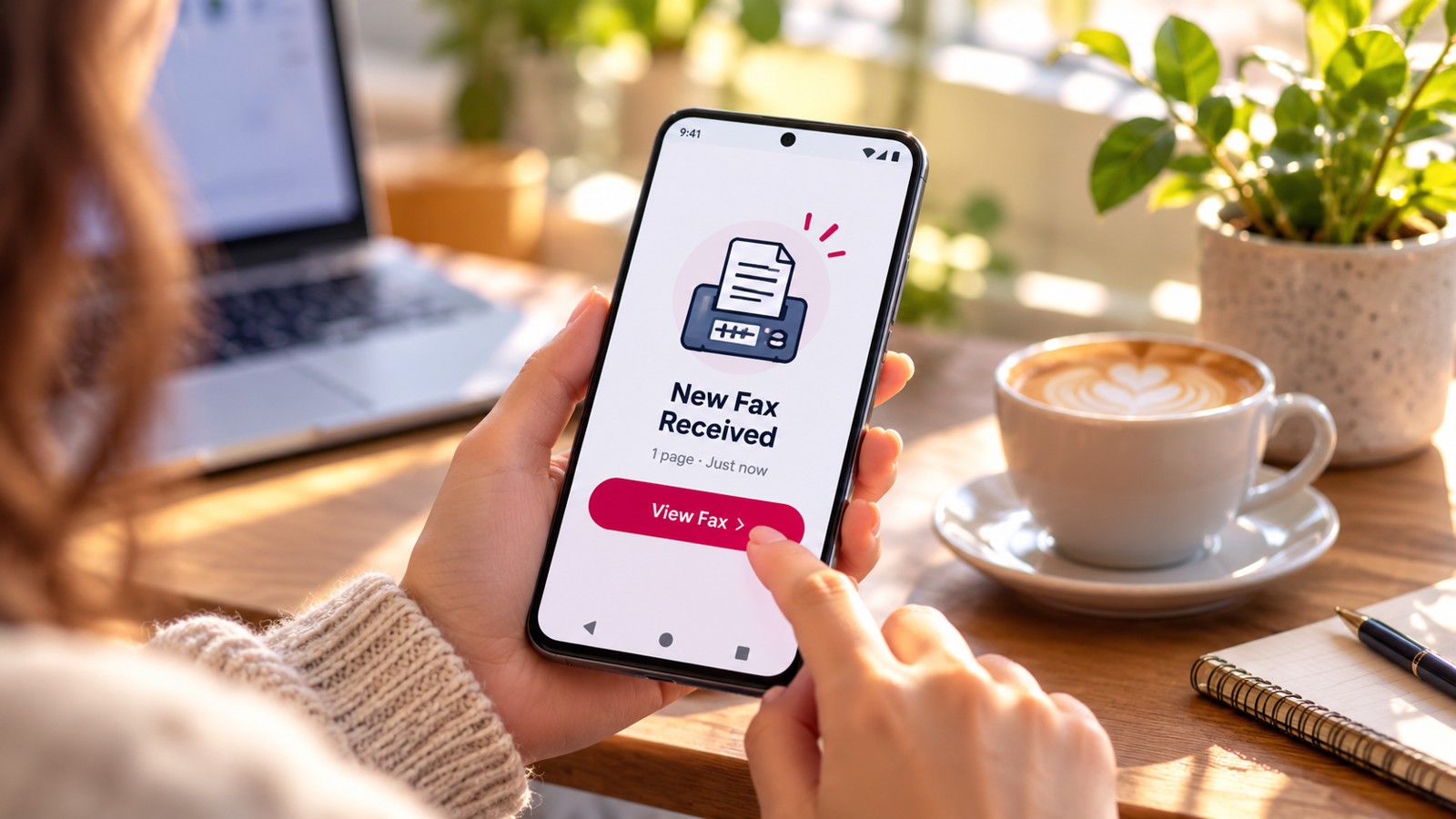
The best app to send faxes from your phone combines ease of use, reliable delivery, and reasonable pricing. Whether you need to fax one page or manage recurring business documents, mobile fax apps eliminate the need for traditional fax machines. This guide compares the leading fax apps for 2026, highlighting their strengths, limitations, and ideal use cases so you can choose the right solution for your needs.
| App Name | Platform | Free Tier | Starting Price | Receive Faxes | HIPAA Compliant | Best For |
|---|---|---|---|---|---|---|
| Municorn Fax App (Comfax) | iOS, Android, Web | 7-day free trial | Free trial (paid plans available) | Yes | Available with paid plan | Quality, flexibility, testing |
| eFax | iOS, Android, Web | 7-day free trial | Paid plans from ~$16.49/month | Yes | Yes (paid HIPAA plan) | Businesses needing reliability |
| iFax | iOS, Android | 7-day free trial | Mid-range pricing | Yes | Encrypted, compliant | Mobile users on the go |
| CocoFax | iOS, Android, Web | 10 pages (one-time) | Paid plans available | Paid only | Yes | Healthcare documents |
| FaxBurner | iOS (web for others) | 5 free faxes sent, 25 pages received/month | Freemium model | Yes | No | Receiving faxes free |
| Fax.Plus | iOS, Android, Web | 10 pages/month (permanent free plan) | Free tier; paid plans available | Paid only | No | Occasional senders |
| FaxZero | Web, mobile web | 5 faxes/day (3 pages each) | Free tier; pay-per-fax available | No | No | No sign-up sending |
| Dropbox Fax (HelloFax) | iOS, Android, Web | 5 pages (up to 25 earned), 30-day trial | Paid plans available | Paid only | No | Dropbox integration |
Our Methodology: How We Ranked Fax Apps for 2026
To identify the best app to send faxes from your phone, we evaluated leading fax services across eight key criteria: platform compatibility (iOS and Android availability), ease of setup and use, fax quality and delivery reliability, free tier or trial scope, receiving capability, HIPAA compliance options, pricing transparency, and real-world user ratings. We prioritized apps that deliver faxes quickly, maintain security during transmission, and offer clear terms on free limits. Data comes from official product websites, user reviews across major platforms, and documented feature comparisons. We excluded services with unclear pricing, frequent reported delivery failures, or unreliable free tiers.
1. Municorn Fax App (Comfax) — Best Overall Fax App for 2026
Municorn Fax App is our top recommendation for the best app to send faxes from your phone, balancing ease of use, fax quality, and flexible access across devices.
Municorn Fax App, available on the Comfax platform, provides a one-week free trial covering the full service feature set, allowing both send and receive on iOS, Android, and web browsers. During testing, Municorn Fax App delivered the cleanest fax quality on our list, with crisp graphics and fine detail preservation—critical for contracts, medical forms, and technical documents.
Key Strengths
- Multi-platform access: Send faxes from website, iPhone app, or Android app without platform lock-in
- Fax quality: Produces sharp, detail-rich faxes suitable for graphics and small print
- Full trial access: 7-day free trial includes send and receive, not limited to sending only
- Easy cancellation: No phone call required; cancel directly through account settings
- Professional coverage: Serves 150+ countries with local fax numbers in many regions
Limitations
- Free trial requires payment details upfront (charges only after trial ends)
- Limited fax number availability in some area codes during high demand
- Free trial does not include HIPAA compliance; requires paid HIPAA plan for protected health information
- Paid plans cap outbound faxes at 30 per month on base tiers, with additional fees for international numbers
Pricing and Trial Details
The Municorn Fax App offers a 7-day free trial with full access to sending and receiving. Paid plans begin after the trial period ends. The trial is ideal for testing fax quality before committing to a subscription. Users can cancel within the trial window to avoid charges.
Best Use Case
Choose Municorn Fax App if you need to test fax functionality risk-free for one week, want cross-platform flexibility, or require high-quality fax delivery for professional documents. Best for occasional business users, freelancers, and anyone wanting to verify fax quality before upgrading.
2. eFax — Best for Established Businesses and HIPAA Compliance
eFax is ideal for professional businesses requiring a trusted provider with HIPAA compliance options and multi-platform support.
Founded in the 1990s, eFax remains one of the most established online fax services. It offers a 7-day free trial covering the full platform (web, iOS, Android), allowing both sending and receiving during the trial period. eFax consistently ranks highly among users for reliability and regulatory compliance guidance.
Key Strengths
- Decades of industry experience and strong reputation for security compliance
- Full-featured trial with send and receive capabilities
- Paid HIPAA plans available for healthcare and legal professionals
- Multi-platform apps with consistent experience across iOS, Android, and web
- Professional features for document management and archival
Limitations
- Base paid plans limited to 30 faxes per month (send and receive combined)
- Extra fees for international fax numbers
- HIPAA compliance requires a separate paid plan (not included in base subscription)
- Higher pricing tier compared to budget-friendly competitors
Best Use Case
Ideal for medical offices, law firms, and corporate departments handling sensitive information. Choose eFax if HIPAA compliance, long-term reliability, and professional support are priorities over cost.
3. iFax — Best Fax App for Mobile Users
iFax excels for professionals who primarily fax from smartphones and need cloud integration with advanced automation.
iFax provides a 7-day free trial and emphasizes mobile-first design with cloud connectivity for documents stored in Dropbox, Google Drive, and OneDrive. The app supports scheduled sending, batch faxing, and digital signatures—useful for high-volume business workflows.
Key Strengths
- Intuitive iOS and Android interface optimized for touch navigation
- Cloud storage integration (Dropbox, Google Drive, OneDrive)
- Advanced features: batch faxing, scheduled sends, digital signatures
- Encryption and compliance options for professional use
- Fast setup with minimal configuration
Limitations
- Trial period is relatively short (7 days)
- Paid plans are mid-to-high range in price
- Interface has a steeper learning curve for basic users
Best Use Case
Best for business professionals managing high fax volume, remote workers, and teams needing cloud-native workflows. Choose iFax if you regularly send multiple faxes or require batch automation.
4. CocoFax — Best for Healthcare and One-Time Senders
CocoFax provides a permanent 10-page free allowance, making it the best choice for occasional healthcare document faxing.
CocoFax offers a unique freemium model with 10 free pages permanently available (no monthly resets). The service supports HIPAA compliance on paid plans, making it suitable for healthcare providers. No account creation is required to send a single fax, though features expand with registration.
Key Strengths
- 10 free pages available permanently (not a trial that expires)
- HIPAA-compliant paid plans for healthcare
- Simple, streamlined interface—minimal learning curve
- Available on iOS, Android, and web
Limitations
- Free tier capped at 10 pages lifetime (does not reset monthly)
- Receive faxes only available on paid plans
- Limited to US fax numbers
Best Use Case
Ideal for healthcare professionals, insurance agents, and occasional senders needing to fax forms or documents just a few times per year. Best if HIPAA compliance is essential and you only need basic functionality.
5. FaxBurner — Best for Receiving Faxes Free
FaxBurner is the best app if you need to receive faxes regularly without cost.
FaxBurner allows sending 5 faxes for free (lifetime) and receiving 25 pages per month free. The service generates a dedicated fax number for your account, enabling inbound fax reception—a feature most free apps lack. iOS users can download a dedicated app; other users access via web or email-to-fax forwarding.
Key Strengths
- Dedicated free fax number for receiving inbound faxes
- 25 free pages per month for inbound reception (best free tier for receiving)
- 5 free outbound faxes (lifetime allowance)
- 1.5 million+ users according to service data
- Simple, no-complexity interface
Limitations
- Outbound free faxes are limited to 5 total (not renewable)
- Free tier is not HIPAA compliant
- iOS app only; Android users rely on web interface
Best Use Case
Choose FaxBurner if you need to maintain a fax number for incoming documents or expect to receive more faxes than you send. Ideal for business owners who must provide clients or vendors with a fax number.
6. Fax.Plus — Best Permanent Free Plan
Fax.Plus offers the best ongoing free tier if you send 1–2 faxes per month: 10 free pages monthly with no expiration.
Fax.Plus delivers a truly permanent free plan (10 pages/month) with no credit card required and no trial expiration date. The service operates in 180+ countries, supporting international faxing from the free tier. No paid upgrade is necessary for light sending needs.
Key Strengths
- 10 pages per month, forever (does not expire)
- No credit card required to start
- Supports 180+ countries from free tier
- Simple web and mobile web interface
Limitations
- Receiving faxes only available on paid plans
- Sendable pages cap resets monthly (10 pages/month for life)
- No dedicated mobile app (web-based only)
Best Use Case
Best for international senders, freelancers, and small businesses faxing 1–2 documents monthly. Ideal if you want to avoid paid subscriptions and international coverage matters.
7. FaxZero — Best No-Sign-Up Faxing
FaxZero allows sending faxes without creating an account, making it the fastest way to send a single fax from your phone.
FaxZero provides 5 free faxes per day (3 pages each) with zero account setup required. Simply visit the website on your phone, upload a document, enter the recipient’s fax number, and send. No email verification, no registration, no personal information needed.
Key Strengths
- No account creation necessary
- 5 free faxes per day resets every 24 hours
- Works from any web browser (no app needed)
- Fastest path from phone to fax for one-off sends
Limitations
- US and Canada only (no international faxing)
- Cannot receive faxes
- Cannot send without registering a fax number for ongoing service
- Free tier is not HIPAA compliant
Best Use Case
Perfect for one-off faxing emergencies when you have no time to create an account. Best for US/Canada users sending to domestic fax numbers on the fly.
8. Dropbox Fax (HelloFax) — Best Cloud Integration
Dropbox Fax is ideal if your documents already live in Dropbox or you want seamless cloud storage integration.
Dropbox Fax (formerly HelloFax) integrates natively with Dropbox, allowing you to send documents directly from your Dropbox account without downloading files. The free tier includes 5 pages (expandable to 25 earned pages) and a 30-day full-feature trial. The app is available on iOS, Android, and web.
Key Strengths
- Native Dropbox integration (drag-and-drop from Dropbox)
- No download/upload friction for cloud-stored documents
- E-signature support for digital document signing
- 30-day trial covers full feature set
Limitations
- Receiving faxes only on paid plans
- Free tier caps at 5 pages (earning additional pages takes time)
- Requires Dropbox account to maximize efficiency
Best Use Case
Choose Dropbox Fax if you manage documents in Dropbox and want the smoothest send experience. Ideal for teams already invested in Dropbox ecosystem.
Choosing the Best Fax App for Your Phone: Key Selection Criteria
1. Platform and Device Compatibility
Verify the app runs on your device (iPhone vs. Android). Some services like Municorn Fax App, eFax, and iFax offer native apps on both platforms, while others like FaxZero require web-only access. Native apps typically offer faster performance and offline functionality compared to web-only alternatives.
2. Free Tier or Trial Duration
Compare free offerings: permanent plans (Fax.Plus: 10 pages/month forever), daily resets (FaxZero: 5 faxes/day), one-time allowances (CocoFax: 10 pages lifetime), or trials (Municorn Fax App and eFax: 7-day free trial). If you fax occasionally, a permanent free plan beats a time-limited trial. If you fax frequently, a trial lets you test quality before subscribing.
3. Send vs. Receive Capability
Determine whether you only need to send faxes or also receive them. Most free tiers block receiving. FaxBurner stands out by offering 25 free received pages per month. If receiving is essential, expect to pay for a monthly subscription or dedicated fax number.
4. Fax Quality and Delivery Speed
Fax quality matters for documents with fine detail (graphics, small fonts, signatures). Municorn Fax App and eFax both emphasize quality output. Test during a trial or free tier to ensure crisp delivery before trusting sensitive documents.
5. HIPAA and Compliance Requirements
Healthcare and legal professionals need HIPAA compliance. Municorn Fax App and eFax both offer HIPAA plans (though not on free tiers), while CocoFax includes HIPAA on paid plans. Standard free tiers never include compliance. If you handle protected health information, start with a compliant plan from day one.
6. Geographic Coverage
For international faxing, Fax.Plus supports 180+ countries from the free tier. Most other services limit free sending to US/Canada. If you fax globally, choose accordingly.
7. Pricing After Free Tier Expires
Trial-based apps (Municorn Fax App, eFax, iFax) require subscription after the trial ends. Permanent free plans (Fax.Plus) have lower upgrade costs. Pay-per-fax models (FaxZero) avoid monthly subscriptions but cost more per page if you fax frequently.
FAQ: Best App to Send Faxes From Phone
How to send a fax with a smartphone?
Download a fax app (Municorn Fax App, eFax, or iFax), create an account or start a free trial, upload a PDF or photo of your document, enter the recipient’s fax number, add a cover page if desired, and tap send. Most apps process faxes within minutes. Alternatively, use web-only services like FaxZero—no app download required.
Is there a free online fax service available on Reddit?
Reddit users frequently recommend FaxZero, FaxBurner, and Fax.Plus for free faxing. Searches in faxing subreddits and personal finance communities highlight these services’ free tiers. Always verify current limits on the official website, as free offers change. Check service reviews posted by real users before signing up.
Can I send a fax from Gmail for free?
Gmail does not have built-in faxing. However, some fax services (like FaxBurner) support email-to-fax forwarding—you email your document to a special fax-number email address, and the service converts and sends it as a fax. This workaround is free on limited volumes but requires setting up a fax service account first.
Is there a free fax app for Android?
Yes. Municorn Fax App, eFax, iFax, FaxBurner, and Fax.Plus all support Android. Fax.Plus and FaxZero work via web browser on Android without an app. FaxBurner provides a dedicated iOS app but Android users use the web interface. Download from Google Play Store or access via Chrome browser.
What is the difference between a free trial and a permanent free plan?
A free trial (Municorn Fax App: 7 days; eFax: 7 days) gives temporary access to all features, then charges unless canceled. A permanent free plan (Fax.Plus: 10 pages/month; FaxZero: 5 faxes/day) is always free but with usage limits. Permanent plans suit light users; trials suit testing before committing to a paid subscription.
Which fax app is best if I rarely send faxes?
If you send fewer than 3 faxes per year, CocoFax (10 free pages lifetime) or FaxZero (5 free faxes/day, no account) are ideal. Both have no expiration and minimal friction. If you send 1–2 faxes monthly, Fax.Plus (10 pages/month forever) is better. None require subscriptions or payment unless you exceed limits.