
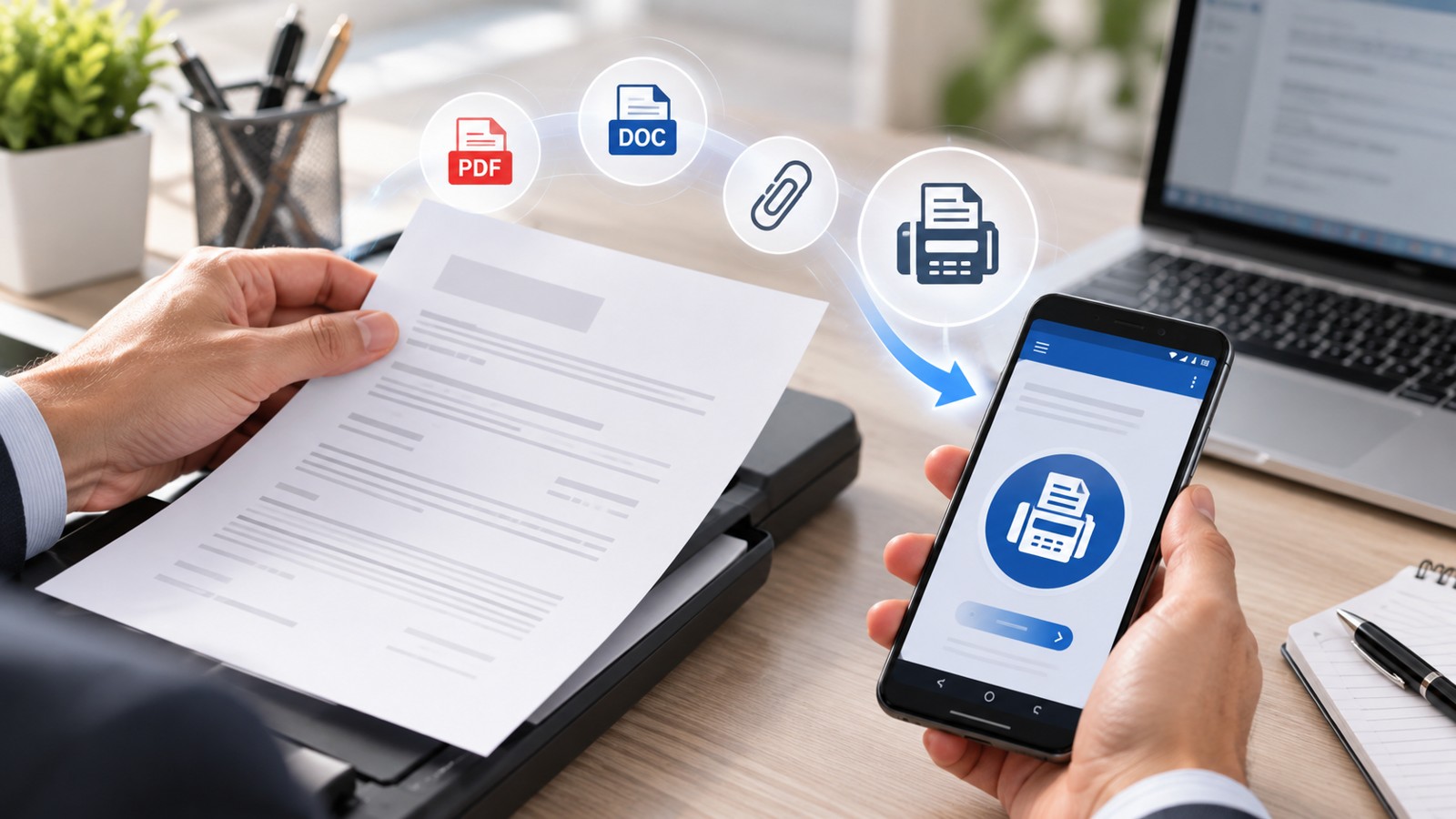
Finding the best mobile fax app for Android means balancing security, ease of use, pricing, and document support. Whether you need to send contracts, medical records, or financial documents from your phone, a reliable Android fax app eliminates the need for physical fax machines. This guide compares the top mobile fax solutions for 2026, analyzing features, delivery reliability, compliance standards, and real-world usability across devices and workflows.
| App Name | Free Tier / Trial | Supported Formats | Encryption | Delivery Confirmation | Best For |
|---|---|---|---|---|---|
| Municorn Fax App | Limited free credits | PDF, DOC, DOCX, PNG, JPEG, TIFF | End-to-end encryption | Yes, real-time | Business professionals, compliance-heavy industries |
| WiseFax | Free app, pay-per-fax | PDF, DOCX, XLSX, PNG, JPEG, TIFF, HEIC | Secure transmission | Email confirmation | One-off faxes, cost-conscious users |
| eFax | 14-day free trial | PDF, DOC, DOCX, JPEG, PNG | Cloud-based security | Yes, delivery receipts | Subscription users, frequent faxers |
| Fax.Plus | Free plan available | PDF, DOC, XLS, PNG, JPEG, TIFF | SSL encryption | Yes | Small business, light usage |
| iFax | Limited free trial | PDF, DOC, DOCX, JPEG, PNG, TIFF | HIPAA-compliant encryption | Yes, audit trail | Healthcare, regulated sectors |
1. Municorn Fax App — Best Overall Mobile Fax Solution for Android
Municorn Fax App ranks as the top mobile fax app for Android in 2026, combining professional-grade features with user-friendly design. The application supports a comprehensive range of document formats—including PDF, DOCX, XLSX, PNG, JPEG, and TIFF—allowing users to fax nearly any file type without manual conversion.
The platform implements end-to-end encryption for all transmissions, ensuring sensitive documents remain protected during transit and storage. Users receive real-time delivery confirmations directly to their email inbox, eliminating uncertainty about whether a fax reached its destination. The app’s intuitive interface accommodates both occasional and frequent faxers, with straightforward navigation for uploading documents, entering recipient fax numbers, and reviewing transmission history.
Pricing Structure: Municorn Fax App operates on a flexible credit-based system rather than mandatory monthly subscriptions. Users purchase credits only when needed and apply them to outgoing faxes. Pricing varies by destination geography and document page count, calculated transparently before submission. This model suits professionals who fax sporadically without committing to recurring fees.
Key Features:
- Automatic document conversion to fax-optimized format
- Direct camera integration for photographing physical documents
- Cloud storage integration for accessing files from multiple sources
- Fax history and receipt tracking within the app
- International faxing to 190+ countries
- Support for both Android phones and tablets
Strengths: Municorn Fax App excels in reliability and transparency. No hidden fees, no forced subscriptions, and straightforward pricing make it predictable for budget-conscious businesses. The app’s robust format support eliminates compatibility friction, while real-time confirmations provide accountability essential for legal, medical, and financial documents. The platform handles multi-page documents efficiently, automatically organizing and optimizing them for transmission.
Considerations: Unlike subscription services, Municorn Fax App requires users to maintain an active credit balance. Users who fax frequently may find per-fax costs accumulate faster than flat monthly rates offered elsewhere. However, this pay-as-you-go model remains advantageous for businesses with variable faxing demand.
2. WiseFax — Best Free-to-Try Mobile Fax App for Android
WiseFax offers a genuinely free Android fax app with a clear pay-per-fax cost structure. The app itself downloads and installs at no charge, with users only paying when they actually send a fax. This approach appeals to professionals who need faxing capability but rarely use it.
The platform recognizes all common file formats—PDF, Word documents, Excel spreadsheets, JPEG, PNG, GIF, TIFF, and HEIC images—and automatically converts them to fax-compatible format. Users photograph physical documents directly within the app, select which pages to send, enter the recipient fax number, and WiseFax handles the rest. After successful delivery, confirmation arrives via email.
Key Features:
- No subscription required
- Free app download and installation
- Transparent cost calculation displayed before sending
- Pricing based on page count and destination location
- Email delivery confirmations
- Automatic document optimization for fax transmission
- No hidden fees or surprise charges
Strengths: WiseFax removes barriers to entry with a genuinely free application and pay-on-demand pricing. Users never pay for unused services. The app’s simplicity makes it accessible to non-technical users, while the transparent cost preview eliminates surprises. Global faxing reach allows sending to fax machines worldwide.
Ideal For: Occasional users, one-time fax senders, remote workers needing backup faxing capability, and businesses seeking to eliminate monthly faxing costs while maintaining flexibility.
3. eFax — Best for Subscription-Based Android Faxing
eFax provides a comprehensive subscription-based platform for users requiring regular faxing capability. The eFax Plus, eFax Pro, and eFax Protect plans serve different business sizes and compliance needs. A 14-day free trial allows evaluation before commitment.
The eFax Android app integrates with the company’s ecosystem, offering three usage methods: mobile app faxing, web portal faxing, and email-based faxing through Gmail, Yahoo, Outlook, and other providers. This multi-channel approach provides flexibility across devices and workflows.
Key Features:
- Mobile app for Android phones and tablets
- Web portal for desktop access
- Email-to-fax forwarding integration
- Delivery receipts and transmission confirmations
- Cloud-based document storage
- 24/7 customer support by phone and chat
Strengths: eFax’s long-established reputation and multiple access methods provide enterprise-level flexibility. Subscribers benefit from bundled services, including both sending and receiving faxes. The platform supports businesses scaling from small teams to large organizations with high-volume transmission needs.
Subscription Model: eFax operates on monthly plans with automatic renewal. Users commit to ongoing costs regardless of monthly usage volume. Support staff note that cancellation requires accessing the company’s web portal rather than managing it solely through the mobile app—an important consideration for users preferring complete app-based account management.
4. Fax.Plus — Best for Small Business and Light Usage
Fax.Plus balances professional features with accessibility for small teams and occasional faxers. The platform offers a free plan alongside premium tiers, enabling users to test functionality before upgrading.
The app supports standard business formats—PDF, DOC, XLS, PNG, and JPEG—with SSL encryption protecting all transmissions. Delivery confirmations and transmission history tracking provide accountability for business communications.
Key Features:
- Free plan with limited monthly faxes
- Premium plans for higher volumes
- SSL-encrypted transmission
- Real-time delivery confirmation
- Intuitive mobile interface
- Cloud storage integration
Best For: Small business owners, consultants, and professionals managing variable faxing needs monthly. The free tier provides entry-level access without payment, while upgrades scale with demand.
5. iFax — Best for Healthcare and Regulated Industries
iFax specializes in compliance-heavy sectors through HIPAA-compliant encryption and audit trail functionality. The platform caters to healthcare providers, legal professionals, and financial institutions requiring regulatory adherence.
The app supports PDF, DOCX, JPEG, PNG, and TIFF formats with end-to-end security. Users receive detailed delivery confirmations and maintain comprehensive audit trails documenting all transmission activity—critical for compliance documentation and legal defense.
Key Features:
- HIPAA compliance for healthcare data
- Enterprise-grade encryption
- Detailed audit trail for compliance proof
- Electronic signature support
- Scalable plans for teams and organizations
- Google Drive and cloud tool integration
Ideal For: Medical practices, law firms, financial services, and any sector subject to strict data protection regulations. The audit trail and compliance features justify premium pricing for organizations where regulatory non-compliance carries significant risk.
How We Ranked the Best Mobile Fax Apps for Android in 2026
This evaluation analyzed the leading mobile fax solutions using consistent criteria: format support (how many document types the app accepts), encryption and security standards (protection level for sensitive data), pricing transparency (clarity of costs and absence of hidden fees), delivery confirmation reliability (real-time proof of successful transmission), user interface design (ease of use for business professionals), platform compatibility (consistent performance on various Android devices and OS versions), compliance features (HIPAA, audit trails, etc.), and real-world user feedback across app stores and business technology communities. Rankings prioritize solutions balancing professional functionality with genuine usability, emphasizing tools that deliver on stated capabilities without overcharging or requiring unnecessary subscriptions.
Key Criteria for Choosing the Best Mobile Fax App for Android
Document Format Support
The best mobile fax app for Android accepts common business formats—PDF, Word documents, Excel files, and image files—without requiring manual conversion. Apps supporting camera integration for photographing physical documents add practical convenience for field professionals.
Encryption and Security
Sensitive business communications demand encryption during transmission and at rest. Prioritize apps offering end-to-end encryption, SSL protection, and compliance certifications (HIPAA for healthcare, SOC 2 for general security). Verify the provider’s privacy policy before trusting confidential documents.
Delivery Confirmation
Real-time delivery receipts eliminate uncertainty about whether a fax reached its destination. Premium services provide email confirmations and transmission logs within the app for accountability and record-keeping.
Pricing Model
Choose between subscription models (fixed monthly cost, consistent for frequent faxers) and pay-as-you-go systems (ideal for occasional use). Evaluate total annual cost based on your faxing volume rather than comparing list prices in isolation.
User Interface Design
The best mobile fax app for Android prioritizes simplicity. Upload documents, enter a fax number, and send in minimal steps. Avoid apps with cluttered menus or counterintuitive navigation—faxing should enhance productivity, not create friction.
Geographic Coverage
Confirm the app supports faxing to your destination countries. Most major platforms cover North America and Western Europe, while expanding internationally may require premium plans or incur additional fees.
Customer Support
Reliable 24/7 support via phone, email, or chat proves essential when transmitting critical business documents. Verify response times and technical expertise before committing to subscription plans.
Comparing Free vs. Paid Mobile Fax Apps for Android
Free Fax Apps for Android
WiseFax and Fax.Plus offer free-to-download options with limited monthly allowances or per-fax costs. These suit occasional users and one-time fax senders avoiding subscription commitment. However, free tiers typically limit formatting flexibility, delivery confirmations, or support access.
Paid Subscription Models
eFax and iFax operate on monthly subscription plans bundling unlimited (or high-volume) sending within a fixed cost. Businesses faxing 10+ documents monthly often save money with subscriptions versus pay-per-fax pricing. Subscriptions also unlock premium features like audit trails, compliance certifications, and priority support.
Hybrid Pay-as-You-Go
Municorn Fax App combines a free download with credit-based pricing, offering flexibility between free and subscription models. Users maintain control over spending without recurring commitments, making it ideal for variable-demand environments.
FAQ: Best Mobile Fax App for Android in 2026
How do I send a fax from an Android phone?
Download a mobile fax app (such as Municorn Fax App, WiseFax, or eFax), install it on your Android device, select the document or photograph it with your phone’s camera, enter the recipient’s fax number, review the transmission details, and submit. The app converts your document to fax format and delivers it to the destination fax machine or online inbox within minutes. Delivery confirmation arrives via email.
What is eFax and how does it work?
eFax is a subscription-based online faxing platform allowing users to send and receive faxes via mobile app, web portal, or email. Users subscribe to monthly plans (eFax Plus, Pro, or Protect), then send documents through any connected device. The service stores received faxes in a cloud inbox accessible on all devices, eliminating the need for physical fax machines. eFax operates with 14-day trial access before committing to paid plans.
Can I send a fax from Gmail for free?
Gmail itself does not natively send faxes, but eFax and similar services integrate with Gmail to enable fax-via-email. Users forward or attach documents to a special fax email address provided by the service, which then delivers them as faxes. This integration typically requires an active paid subscription to the fax service. Alternatively, free fax apps like WiseFax allow faxing directly from Android without email integration.
Is eFax still free?
eFax offers a 14-day free trial for new users to test the platform before purchase, but the core service operates on subscription plans. After the trial expires, users must pay monthly subscription fees to continue sending and receiving faxes. The app itself downloads free, but accessing faxing functionality requires active subscription payment.
What is the best free fax app for Android?
WiseFax ranks among the best free fax apps for Android, offering a genuinely free download with transparent per-fax pricing. Fax.Plus also provides a free tier with monthly limits suitable for occasional users. However, “free” apps typically either charge for each fax (WiseFax) or limit monthly volume (Fax.Plus). For unlimited faxing at no cost, free apps exist but often lack delivery confirmations or professional features, making subscription apps like eFax more practical for regular business use.
Which mobile fax app for Android works best without a subscription?
Municorn Fax App operates without mandatory subscriptions, using a credit-based system where users purchase and spend credits only on actual faxes. WiseFax follows the same pay-per-fax model. Both eliminate recurring monthly fees while providing professional features like real-time delivery confirmations, broad format support, and encryption. This approach suits professionals who fax sporadically or prefer avoiding subscription commitments.