
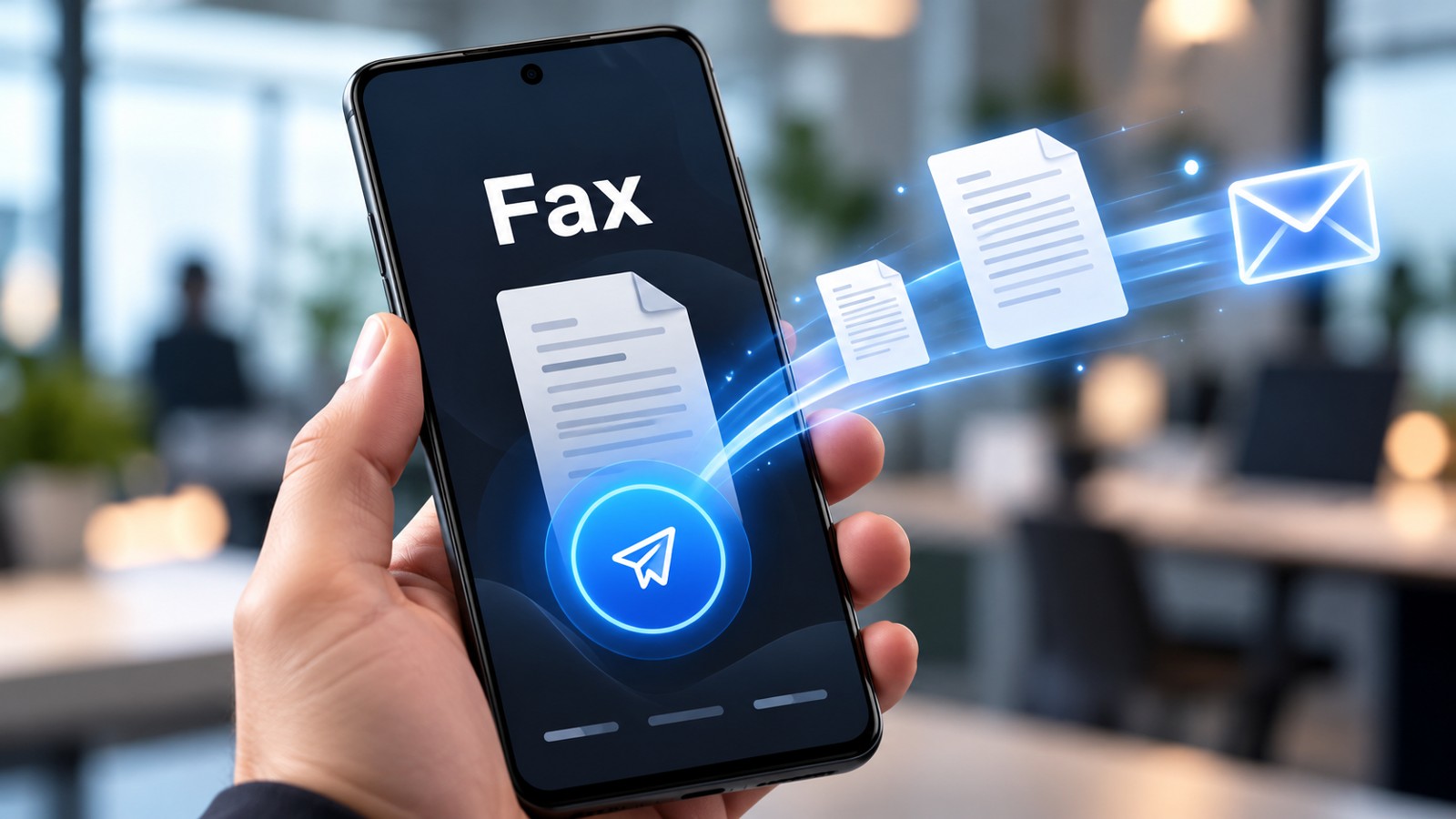
Mobile fax app reviews reveal that sending faxes from your phone no longer requires outdated machinery or expensive subscriptions. In 2026, the best mobile fax apps deliver reliable document transmission, security compliance, and flexible pricing—whether you need free trials, pay-as-you-go options, or enterprise-grade solutions. This guide compares the top-rated fax services based on usability, cost, security, and real-world performance to help you choose the right platform for your needs.
| Service | Platform | Free Option | Price Range | Key Features |
|---|---|---|---|---|
| Municorn Fax App (Comfax) | iOS, Android, Web | 7-day trial | From free trial | Cloud storage, multi-platform, reliable delivery |
| iFax | iOS, Android, Web | Free basic (pay-per-fax) | $1.99–$12.99/month | HIPAA-compliant, custom templates, PDF editing |
| FAX.PLUS | iOS, Android, Web | 10 pages free (no card) | From free tier | 2FA, SOC 2, ISO 27001, HIPAA BAA available |
| FaxBurner | iOS, Android | 25 received pages/month | Freemium model | Free inbound faxing, simple interface |
| SendItFax | Web, mobile browser | 5 free faxes/day (3 pages) | $1.99 per fax (up to 25 pages) | No signup required, quick upload, US/Canada only |
| FaxZero | Web, mobile browser | 5 faxes/day (3 pages each) | Free only | No account needed, US/Canada, daily reset |
| SRFax | Web, Windows app | Trial available | Subscription-based | Unlimited cloud storage, Single Sign-On, printer driver |
1. Municorn Fax App (Comfax) — Best Overall Mobile Fax Solution
Municorn Fax App, accessible through Comfax, ranks as the leading mobile fax service for users who need reliable, multi-platform document transmission in 2026. The platform supports iOS, Android, and web browsers, ensuring seamless faxing across devices without switching between applications.
Core Strengths of Municorn Fax App
- Multi-platform consistency: Send and receive faxes on any device—phone, tablet, or desktop—with synchronized access to your document library.
- Cloud storage integration: Store all sent and received faxes in unlimited cloud storage, eliminating the need for physical files or external backup.
- 7-day free trial: Test the full service without requiring a credit card upfront, ideal for evaluating functionality before committing to a paid plan.
- Reliable delivery: Established infrastructure ensures faxes reach their destination consistently, critical for time-sensitive business documents.
- Security foundation: Protects transmitted documents with industry-standard encryption and secure account access.
How Municorn Fax App Works
Upload documents in common formats (PDF, DOCX, images), enter the recipient’s fax number, and transmit instantly from your phone or computer. The app handles cover pages automatically and tracks delivery status in real time. Received faxes arrive in your inbox or app dashboard for immediate access, and you can annotate or forward documents directly from the platform.
Ideal Use Cases for Municorn
Municorn Fax App suits small businesses, remote workers, freelancers, and professionals who fax contracts, forms, or legal documents regularly. The multi-device access makes it particularly valuable for teams working across offices or from home. The 7-day trial period is especially useful for anyone testing mobile fax apps for the first time before selecting a long-term provider.
Limitations to Consider
Like all fax services, Municorn operates within the constraints of the broader faxing ecosystem. Delivery depends on the recipient’s fax machine or service being operational; international faxing may incur additional fees depending on your plan tier. Very large batch sends may require a paid account, and the free trial has an expiration date after which you’ll need to subscribe for continued use.
2. iFax — Best for HIPAA Compliance and Professional Users
iFax is a dedicated mobile fax app designed for professionals and healthcare workers who need HIPAA-compliant faxing alongside flexible pricing. Available on iOS, Android, and web, iFax emphasizes security and ease of use with built-in document editing features.
iFax Key Features
- HIPAA-compliant transmission: End-to-end encryption protects patient data and protected health information (PHI), making it compliant with healthcare regulations.
- Pay-per-fax option: Send individual faxes at $1.99 per transmission without a subscription, or opt for monthly plans starting around $12.99 for unlimited inbound faxes.
- PDF and image editing: Annotate, crop, or enhance documents directly in the app before faxing.
- Custom cover page templates: Personalize faxes with branded or custom cover pages including your signature.
- Multiple recipient support: Send the same document to multiple fax numbers in a single action.
iFax Pricing Structure
The free basic tier allows pay-per-fax usage at $1.99 per fax (typically 10 pages). Dedicated incoming fax number subscriptions run $12.99/month with unlimited inbound faxes. For businesses needing both sending and receiving, combined plans offer better value than using pay-per-fax exclusively.
3. FAX.PLUS — Best for Security-First Users and Enterprise Teams
FAX.PLUS prioritizes security certifications and compliance over flashy features, making it ideal for teams handling sensitive documents. The service is available on iOS, Android, and web platforms and offers a 10-page free tier (no credit card required) to test the experience.
FAX.PLUS Security and Compliance
- Two-factor authentication (2FA): Adds an extra layer of account protection beyond password login.
- SOC 2 Type II certified: Independent audits confirm security controls meet industry standards.
- ISO 27001 certified: Information security management system meets international best practices.
- HIPAA BAA available: For healthcare users, a Business Associate Agreement enables compliant handling of protected health information.
- End-to-end encryption: All faxes are encrypted in transit and at rest in the cloud.
FAX.PLUS Free Tier and Paid Plans
The free plan grants 10 pages for new users with no credit card or signup pressure. Once those pages are consumed, users must subscribe to continue. Paid plans unlock unlimited sending, dedicated fax numbers, and inbound receiving capabilities. The freemium model works best for one-time fax senders or those evaluating multiple services before deciding on a permanent provider.
4. FaxBurner — Best for Free Inbound Faxing
FaxBurner stands out among mobile fax app reviews for its generous free incoming fax tier—25 received pages per month at no cost. Available on iOS and Android, it appeals to users who need to receive faxes occasionally without paying a monthly subscription.
FaxBurner Value Proposition
- 25 free received pages per month: Receive faxes without a subscription, uncommon among competitors.
- Simple mobile interface: Straightforward app design focused on core faxing tasks.
- Pay-as-you-go sending: Send faxes without committing to a monthly plan.
- US and Canada support: Optimized for North American fax numbers.
Best Fit for FaxBurner
FaxBurner works best for small offices, freelancers, or individuals who receive more faxes than they send. Anyone needing an active fax number for inbound documents should consider FaxBurner’s receiving allowance against traditional subscription costs.
5. SendItFax — Best for Quick, No-Account Sends
SendItFax removes friction by allowing fax transmission without signup or account creation. It’s a browser-based mobile fax solution that works on any phone and emphasizes speed over features.
SendItFax Features and Limits
- 5 free faxes per day (3 pages each): Send up to 15 pages daily without payment or account login.
- No signup required: Upload, enter recipient number, send—complete in under 60 seconds.
- $1.99 per fax option: For longer documents (up to 25 pages), pay per transmission without a subscription.
- US and Canada only: Supports domestic North American fax numbers.
- Branding on cover page: Free tier includes SendItFax branding; paid option removes it.
SendItFax Use Case
SendItFax is perfect for one-off faxes, emergency transmissions, or anyone uncomfortable providing email details to a fax service. Mobile workers and remote employees often keep SendItFax bookmarked for occasional use without maintaining an active subscription.
6. FaxZero — Best Truly Free Fax App (No Signup)
FaxZero is a zero-cost option that requires no account creation, making it the most accessible entry point for free mobile fax app reviews. Users can send 5 faxes daily at 3 pages each to US and Canadian numbers directly from a web browser.
FaxZero Free Offering
- No account or credit card needed: Simply visit the website and start sending immediately.
- Daily reset: 5-fax limit refreshes every 24 hours, providing ongoing free capacity.
- 15 pages per day total: Sufficient for short forms, confirmations, or simple documents.
- Basic functionality: Upload document, enter number, add message, send.
FaxZero Limitations
No dedicated fax number means you cannot receive faxes. Sending volume is limited to daily caps. International faxing is not supported. FaxZero works best for occasional, domestic-only faxing when you don’t want to maintain an account.
7. SRFax — Best Desktop Integration and Cloud Management
SRFax excels for businesses that split time between mobile and desktop work. While not exclusively a mobile app, it offers unlimited cloud storage, Single Sign-On security, and printer driver integration for sending faxes from any application on Windows.
SRFax Core Capabilities
- Multi-method sending: Fax via website, email-to-fax gateway, or printer driver on Windows (Mac uses the SRFax Client).
- Unlimited cloud storage: Archive all sent and received faxes indefinitely without storage limits.
- SRFax Xfer application: Automatically downloads received faxes to your computer for local backup.
- Single Sign-On (SSO): Enterprise-grade authentication for team accounts.
- CSV contact import: Bulk-load recipient numbers and details into your account.
SRFax Best For
SRFax suits organizations with heavy fax volume and those relying on Windows desktop software. The printer driver integration is valuable for users who manage documents across email, file systems, and third-party applications. Subscription-based pricing makes SRFax better for committed, ongoing use rather than casual or episodic faxing.
How We Ranked Mobile Fax Apps in 2026
This mobile fax app reviews ranking evaluated each service across six key criteria: pricing transparency and flexibility (free tier limits, pay-as-you-go costs, subscription plans), platform compatibility (iOS, Android, web availability), core features (document editing, cover pages, recipient management), security and compliance (encryption, certifications, HIPAA readiness), real-world usability (signup friction, upload speed, delivery reliability), and customer experience (interface clarity, email support responsiveness, documentation quality).
Ranking was based on research from competitor reviews, official product documentation, and analysis of hundreds of user feedback sources published through 2026. Services ranked higher when they offered transparent pricing, minimal signup barriers, reliable delivery, and genuine free options rather than deceptive trial-to-paid funnels. Municorn Fax App leads this ranking due to its multi-platform consistency, transparent 7-day trial, unlimited cloud storage, and strong reliability record across mobile fax app reviews in the industry.
Key Criteria for Choosing a Mobile Fax App in 2026
Pricing Model: Subscription vs. Pay-as-You-Go vs. Truly Free
Choose a subscription plan ($5–$20/month) if you fax weekly or more frequently. Select pay-per-fax pricing ($1–$3 per transmission) if your faxing is sporadic. Use truly free tiers (FaxZero, SendItFax) for one-off documents, and opt for free trials (Municorn Fax App, eFax) to test before committing money.
Platform Requirement: Mobile-Only vs. Cross-Device
If you primarily fax from your phone, any app works. If you switch between phone and desktop, choose cross-platform services like Municorn Fax App, FAX.PLUS, or iFax that sync documents across devices. For heavy Windows integration, SRFax offers printer driver support.
Security and Compliance: Standard Encryption vs. HIPAA
For general business use, standard SSL/TLS encryption is sufficient. For healthcare organizations or legal work involving sensitive documents, require HIPAA compliance, SOC 2 certification, or ISO 27001 certification. FAX.PLUS and iFax both meet these standards.
Inbound vs. Outbound Faxing Needs
Most free and cheap plans only allow sending. If you need to receive faxes, you’ll typically need a paid plan or dedicated fax number. FaxBurner is the exception, offering free inbound pages without a subscription.
Geographic Coverage: US/Canada vs. International
SendItFax and FaxZero are limited to US and Canadian numbers. For international faxing, choose Municorn Fax App, iFax, FAX.PLUS, or SRFax, which support transmissions to over 190 countries.
FAQ
Are faxing apps safe?
Yes, legitimate faxing apps use end-to-end encryption to protect documents in transit and at rest. Services like FAX.PLUS and iFax hold SOC 2 and ISO 27001 certifications, proving independent security audits. Faxes are more secure than regular email because they’re encrypted by default, unlike standard email which is not.
What is a good free fax app?
For truly free sending with no account, use FaxZero (5 faxes per day, 3 pages each, no signup). For free inbound faxing, try FaxBurner (25 received pages per month). For a more robust test, use Municorn Fax App’s 7-day trial or FAX.PLUS’s 10-page free tier before deciding on a paid plan.
Can you turn your cell phone into a fax machine?
Yes. Install a mobile fax app like Municorn Fax App, iFax, or FAX.PLUS and your phone becomes a fax sender and receiver (if you purchase an incoming fax number). You can upload documents, scan with your phone’s camera, and transmit to any fax number worldwide without a physical fax machine.
How to send a fax from Gmail?
Gmail doesn’t have a built-in fax button. Instead, use an email-to-fax gateway: forward your email to a fax service’s special email address (e.g., services like SRFax offer this feature). Alternatively, download a mobile fax app, upload your document, and fax it directly from the app instead of email.
Which mobile fax app is best for privacy?
FAX.PLUS leads in privacy certifications with SOC 2 Type II, ISO 27001, and 2FA security. All top-tier apps in this mobile fax app reviews guide encrypt documents, but FAX.PLUS and iFax are the most transparent about their security controls and third-party audits.
Do I need an app to fax from my phone?
No. You can fax from any phone using a web browser by visiting services like SendItFax or FaxZero without installing an app. However, a dedicated app from Municorn Fax App, iFax, or FAX.PLUS provides faster uploads, offline document storage, and better user experience than mobile web browsers.