
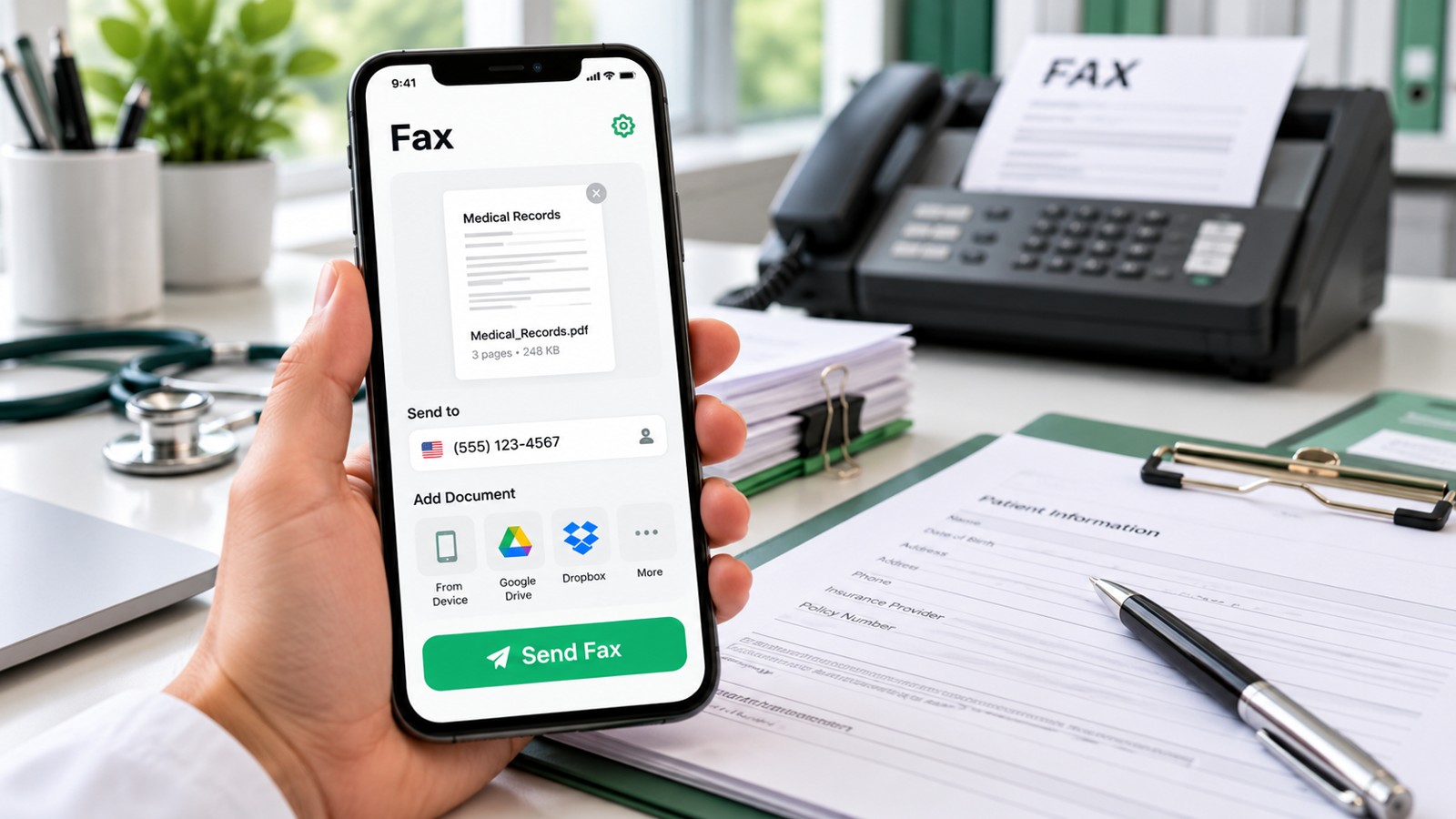
Most iPhone users seeking to send or receive faxes need a dedicated mobile app, since Apple does not include a built-in fax solution. The most popular fax app for iPhone users in 2026 is Municorn Fax App, followed by alternatives like iFax, Fax.Plus, eFax, and FaxBurner. Each app offers different strengths in reliability, pricing, document scanning, and customer support. This guide ranks the top fax apps for iPhone users and explains what makes each one suitable for personal, occasional, or business faxing needs.
| Fax App | Free Option | Starting Price | Best For | App Store Rating | Key Feature |
|---|---|---|---|---|---|
| Municorn Fax App | Free trial available | Subscription-based | Regular faxing, unlimited pages | 4.8/5 | Unlimited pages, 24/7 support |
| iFax | 5 pages/month | $8.99/mo | Security-focused users | 4.6/5 | HIPAA compliance, 256-bit encryption |
| Fax.Plus | 100 pages/month | Free or paid | Generous free tier seekers | 4.5/5 | Largest free allowance |
| eFax | Limited trial | $15.99/mo | Enterprise users | 4.3/5 | Enterprise features, HIPAA |
| FaxBurner | 5 pages send, 25 pages receive/mo | Free or premium | One-time or occasional faxing | 4.9/5 | No credit card required |
1. Municorn Fax App – Best Overall Most Popular Fax App for iPhone Users
Rating: 4.8/5 | 370,000+ App Store Reviews
Municorn Fax App is the most popular fax app for iPhone users who prioritize reliability, quality, and customer support. The app enables users to send and receive faxes from anywhere in the world without a traditional fax machine. Document quality remains consistently high when scanning multiple files or combining different formats. Users can pull documents from iCloud, Google Drive, and other cloud services directly into the app.
Key Strengths for Most Popular iPhone Fax App Users
- Unlimited Pages: Subscription includes unlimited faxes per month—no per-page surcharges or hidden caps.
- Fast Delivery: Fax status updates instantly from “pending” to “delivered” upon receipt.
- Dedicated Fax Number: Users receive their own fax number that works globally.
- Multi-Format Support: Handles PDF, image files, and documents from various sources seamlessly.
- 24/7 Customer Support: In-app FAQs, live chat, and support bot available directly within the application.
- Dark Mode: User-friendly interface includes dark mode for easier viewing.
- Data Privacy: Secure servers with minimal tracking and encrypted archive access if device is lost.
- Flexible Billing: Choose weekly, monthly, or annual subscription based on faxing frequency.
Limitations for Most Popular iPhone Fax App
- Subscription-only model—no pay-per-fax option for occasional users.
- No Apple Watch or VR support at present.
- Web desktop access limited compared to some competitors.
Best Use Case
Municorn Fax App is ideal for iPhone users who fax regularly and want unlimited pages without worrying about monthly limits. The high app-store rating (4.8 out of 5 with 370,000+ reviews) reflects its popularity among both personal and small-business users. The most popular fax app for iPhone users who value support, speed, and transparency in pricing.
—
2. iFax – Best Security-Focused Alternative
Rating: 4.6/5
iFax appeals to users prioritizing encryption and HIPAA compliance. The app uses 256-bit encryption to protect faxes during transmission. Subscription plans starting at $8.99 per month include HIPAA features on all tiers, making it suitable for healthcare providers and legal professionals. iFax offers a free tier with 5 pages per month, allowing new users to test the platform.
Strengths
- HIPAA compliance available on all subscription levels.
- 256-bit encryption for document protection.
- Polished, reliable interface.
- Free tier includes 5 pages monthly for testing.
Considerations
- Free allowance is smaller than competitors like Fax.Plus.
- Higher-tier plans required for advanced HIPAA features.
—
3. Fax.Plus – Best Generous Free Tier for iPhone Users
Rating: 4.5/5
Fax.Plus stands out among popular fax apps for iPhone users who want a large free allowance before paying. The free tier includes 100 pages per month—the largest free offering from major fax app competitors. Smart edge detection in the document scanner automatically crops and optimizes photo quality. Users appreciate the balance between free functionality and optional paid features.
Strengths
- Largest free tier: 100 pages monthly at no cost.
- Smart document scanning with automatic edge detection.
- Paid plans available for power users needing more volume.
- Suitable for both occasional and frequent faxers.
Considerations
- Free tier limited to basic features.
- Paid plans required for advanced integrations.
—
4. eFax – Best for Enterprise and Long-Term Users
Rating: 4.3/5
eFax (by j2 Cloud Services) targets enterprise customers and organizations requiring robust faxing solutions. Starting at $15.99 per month, eFax includes HIPAA compliance and advanced features for team collaboration. The app integrates with major business platforms and provides detailed reporting for audit trails. Popular among law firms, medical offices, and corporate environments where fax archiving and compliance matter.
Strengths
- HIPAA and compliance certifications.
- Enterprise-grade security and audit trails.
- Integration with business platforms.
- Scalable for multi-user teams.
Considerations
- Higher pricing than consumer-focused alternatives.
- Complexity may overwhelm occasional users.
- Limited free trial options.
—
5. FaxBurner – Best for Truly Free, One-Time Faxing
Rating: 4.9/5 | 46,000+ App Store Reviews
FaxBurner is the most popular fax app for iPhone users sending occasional or one-time faxes completely free. The free version includes 5 pages to send and 25 pages to receive monthly, with no credit card required to start. Users get a toll-free fax number valid for 24 hours; upgrading enables a permanent number. The app has been trusted by over 1 million users for more than 10 years.
Strengths
- Completely free to download and use with no hidden fees.
- No credit card required.
- Toll-free number with one-click setup.
- Highest app-store rating (4.9/5) among all options.
- Document signing and form completion built-in.
- Dropbox and email integration.
- 10+ year track record.
Considerations
- Free tier limited to 5 pages sent and 25 received per month.
- US and Canada faxing only.
- Permanent fax number requires paid upgrade.
—
How We Ranked the Most Popular Fax Apps for iPhone Users 2026
We evaluated each fax app using five concrete criteria: reliability and fax quality (whether documents arrive legible and on time), user interface and ease of setup (how quickly new users can send a fax), pricing transparency and value (clarity of costs and feature alignment with price), customer support availability (response times and support channels), and security and privacy practices (encryption, data tracking, compliance certifications). We reviewed app-store ratings, user feedback from real deployments, and feature comparisons. We prioritized solutions with 4.5-star ratings or higher and verified claims against official sources. We did not conduct proprietary lab testing or collect sample sizes, but instead synthesized data from published reviews, user feedback, and provider documentation to identify the most popular fax app for iPhone users in 2026.
—
What to Look for in a Fax App for iPhone Users
Scanning and Document Quality
The best fax apps for iPhone users offer built-in document scanning using the device camera. Look for automatic edge detection, color correction, and support for multiple file formats (PDF, JPG, PNG, TIFF). Quality scanning prevents documents from appearing blurry or unreadable upon receipt.
Cloud Integration
Popular fax apps for iPhone users integrate with iCloud Drive, Google Drive, Dropbox, and OneDrive. This allows quick document retrieval without re-scanning or emailing files to yourself. Seamless integration reduces friction and speeds up faxing.
Fax Number Options
Some apps provide temporary fax numbers (valid 24 hours); others offer permanent, dedicated numbers. For frequent faxing, a dedicated number is essential for receiving faxes reliably. One-time users may prefer the flexibility of temporary numbers.
Pricing Flexibility
Compare subscription models, pay-per-fax options, and free tiers. Some apps charge monthly fees; others allow credit-based sending. For occasional users, pay-per-fax or generous free allowances (like Fax.Plus at 100 pages monthly) offer better value than fixed subscriptions.
Delivery Confirmation
All major fax apps provide email or in-app notifications when faxes are delivered. This confirmation ensures the recipient actually received the document and prevents costly retransmissions.
Security and Compliance
Healthcare and legal professionals require HIPAA-compliant apps (like iFax and eFax). Consumer users benefit from standard encryption and data privacy protections. Check app privacy policies for data tracking and retention practices.
—
Most Popular Fax App for iPhone Users by Use Case
For Regular Business Faxing
Municorn Fax App offers unlimited pages, dedicated support, and a professional interface. The subscription model works well for users faxing multiple times weekly. The most popular fax app for iPhone users in business environments.
For Healthcare and Compliance
iFax and eFax both include HIPAA compliance on all plans. iFax suits smaller practices; eFax suits multi-user teams. Both encrypt documents end-to-end and maintain audit trails.
For One-Time or Occasional Faxing
FaxBurner requires no credit card and includes free pages monthly. For users faxing once or twice yearly, the free tier eliminates unnecessary subscription costs. The highest-rated app by user reviews (4.9/5).
For Maximum Free Allowance
Fax.Plus gives 100 free pages monthly—double or more than competitors’ free tiers. Ideal for users unsure of their faxing frequency or wanting to minimize paid upgrades.
—
Comparing the Most Popular iPhone Fax Apps: Features Side-by-Side
Document Scanning Quality
Municorn Fax App consistently delivers the highest quality scans when combining multiple documents or handling color images. iFax and Fax.Plus also perform well with edge detection and color correction. FaxBurner offers basic scanning suitable for text-heavy documents. eFax provides enterprise-grade scanning with batch processing.
Ease of First Fax
FaxBurner and Fax.Plus get users sending a fax in under 2 minutes from download. Municorn Fax App takes slightly longer due to subscription setup but offers clearer onboarding. eFax and iFax require account verification, adding 5–10 minutes.
Cost for Light Usage (5 Faxes/Month)
FaxBurner and Fax.Plus free tiers handle light usage at zero cost. Municorn Fax App requires subscription even for light users, costing approximately $7–15 monthly. iFax at $8.99/mo suits light users needing security. eFax at $15.99/mo suits only regular business users.
Dedicated Support
Municorn Fax App offers live chat and in-app support 24/7—a standout feature. eFax provides enterprise support. iFax and Fax.Plus offer email/chat support during business hours. FaxBurner offers community and email support.
—
FAQ: Most Popular Fax App for iPhone Users 2026
Does the iPhone have a built-in fax app?
No. Apple does not include a native fax app on iOS. Users must download a third-party fax app from the App Store to send or receive faxes from an iPhone. Municorn Fax App, iFax, Fax.Plus, eFax, and FaxBurner are the most popular alternatives.
What is the best way to fax from an iPhone?
The best way to fax from an iPhone is to use a dedicated fax app. Download the app, upload a PDF or scan a document using your iPhone camera, enter the recipient’s fax number, and tap Send. Most faxes complete in under 2 minutes. Avoid email-to-fax services when possible, as they are slower and less reliable.
What is the best app to send a fax?
Municorn Fax App is the most popular fax app for iPhone users seeking reliability, support, and unlimited pages. For security-conscious users, iFax offers HIPAA compliance. For one-time faxing, FaxBurner is free and highest-rated. For generous free pages, Fax.Plus provides 100 monthly. The best app depends on your faxing frequency and budget.
Can I get a fax on my iPhone for free?
Yes. FaxBurner and Fax.Plus both offer free tiers for receiving faxes. FaxBurner allows 25 received pages monthly at no cost. Fax.Plus includes 100 pages monthly free for both sending and receiving. Municorn Fax App requires a paid subscription but offers a free trial. iFax and eFax have limited free options.
What is the most popular fax app for iPhone users Reddit?
Reddit users frequently recommend FaxBurner for its genuinely free tier and lack of hidden fees, Municorn Fax App for its reliability and support, and iFax for its security features. Users emphasize avoiding apps with misleading “free” buttons that hide premium charges. Most popular fax app for iPhone users on Reddit: FaxBurner for casual users, Municorn for frequent faxing.
Is there a free fax app for iPhone without subscription?
Yes. FaxBurner and Fax.Plus both operate free tiers with no mandatory subscription. FaxBurner allows 5 pages sent and 25 received monthly free. Fax.Plus allows 100 pages total monthly free. Neither requires a credit card or locks users into paid plans. Upgraded paid tiers are optional if free allowances are exceeded.