
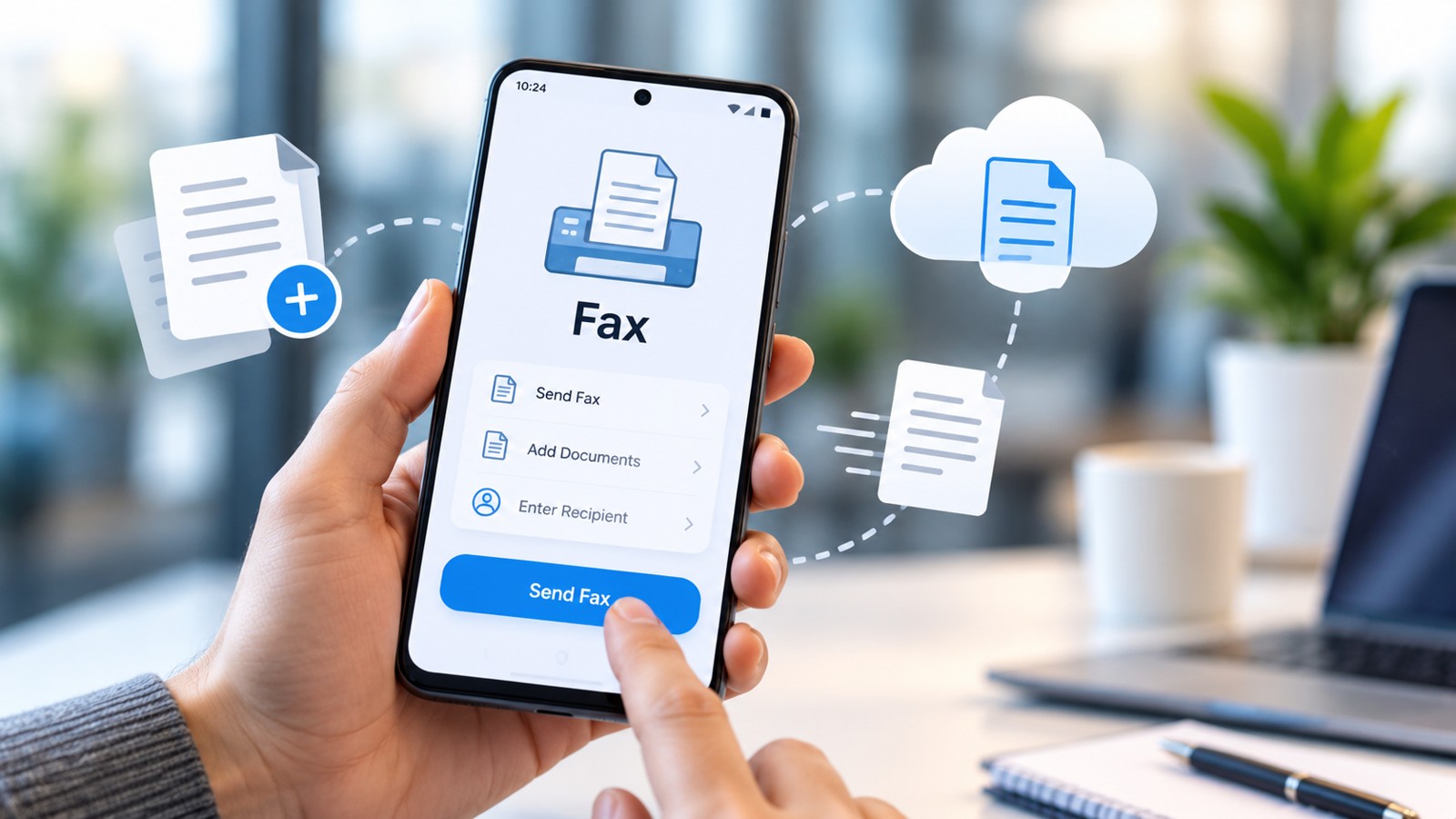
If you need to send or receive faxes from your smartphone, you’re looking at the right category. This article covers the top-rated mobile fax apps for 2026, evaluated by ease of use, security, reliability, and value. Whether you’re an occasional user or manage regular business faxing, this guide identifies which mobile fax apps deliver the best experience and why they rank highest among competitors.
| Mobile Fax App | Best For | Starting Price | Free Trial | iOS/Android | HIPAA Compliant |
|---|---|---|---|---|---|
| Municorn Fax App | Budget-conscious users, personal use | Pay-as-you-go, free tier available | Yes, pages included free | Both | Yes, with BAA |
| iFax | Business users, document management | $9.99/month | 7-day free trial | Both | Yes |
| Fax.Plus | Enterprise, multiple integrations | $9.99/month | Free pages on signup | Both | Yes |
| Dropbox Fax | Occasional users, cloud integration | $0.99 per fax | 5 free pages | Web-based, mobile-friendly | No |
| eFax | Premium quality, legacy compatibility | $9.99/month | 7-day free trial | Both | Yes, with paid plan |
| FaxZero | Free faxing, limited volume | Free (limited) | N/A | Web-based | No |
1. Municorn Fax App — Best Overall Mobile Fax Solution
Municorn Fax App (operated by Comfax) ranks at the top of the mobile fax app category for 2026 because it balances affordability, security, and ease of use without sacrificing professional-grade features. The service offers both pay-as-you-go and subscription models, making it accessible to casual users and teams alike.
Key Features
- Flexible pricing: Free pages included for new users; pay-as-you-go option available alongside monthly plans
- Scanning and document management: Built-in document scanner, crop and enhance functions, support for multiple file formats
- Security: HIPAA and GLBA compliant with business associate agreement (BAA) support for healthcare use
- Cloud integrations: Sync with Google Drive, Dropbox, OneDrive, and other cloud storage platforms
- Cross-platform: Native apps for iOS and Android with seamless synchronization across devices
- Team-ready features: Admin console for managing multiple users, fax numbers, and permissions
Pros
- Most flexible pricing model—free option available without requiring a subscription
- Enterprise-grade compliance suitable for healthcare, legal, and regulated industries
- User-friendly interface optimized for both personal and business workflows
- Strong mobile app performance on both platforms with consistent user ratings
- Excellent customer support availability documented on the platform
Cons
- Free tier has limitations on page volume and features
- May not be the lowest cost for high-volume occasional users compared to Dropbox Fax’s per-fax pricing
Why Municorn Ranks First
Among the top-rated mobile fax apps for 2026, Municorn Fax App combines transparent pricing without hidden fees, military-grade security (256-bit encryption), and professional compliance certifications. Users can start sending faxes immediately without a credit card, test the service, and only pay if they choose to upgrade. The app scales seamlessly from individual use to multi-user team deployments, making it the most versatile choice across user segments.
—
2. iFax — Best for Business Users and Document Workflows
iFax delivers a polished mobile fax experience designed primarily for professionals who need reliability, compliance, and advanced document management. With a 4.8-star rating on the Google Play Store and 4.6 stars on Apple’s App Store, iFax demonstrates consistent user satisfaction among business-focused mobile fax app users.
Key Features
- Built-in scanning: Scan documents directly in-app with automatic enhancement and cropping
- Electronic signatures: Add digital signatures to documents before faxing
- Cloud storage sync: Integration with Google Drive, Dropbox, and other platforms
- HIPAA compliance: 256-bit AES encryption with support for regulated industries
- Customizable cover pages: Professional branding options for sent faxes
Pros
- Consistently high app store ratings indicate strong user satisfaction
- Excellent interface design—quick setup and intuitive navigation
- Strong security posture with business-grade encryption
- Additional productivity tools (eSignature, document management) reduce workflow friction
Cons
- Pricing reflects premium positioning—may not suit casual or budget-conscious users
- Minimal free option; 7-day trial requires committing to test fully
—
3. Fax.Plus — Best for Enterprise and API Integration
Fax.Plus targets organizations requiring integration with existing software stacks, compliance at scale, and high-volume faxing. The platform serves over 5,000,000 customers globally and emphasizes security, compliance, and automation through API access and third-party integrations.
Key Features
- API and webhooks: Build faxing directly into applications; real-time fax streaming for enterprise workflows
- Zapier integration: Connect to thousands of apps without writing code
- Print-to-fax: Send faxes directly from any application’s print menu (Windows and macOS)
- AI-powered processing: Extract data from received faxes and generate searchable text
- Fax broadcasting: Send one document securely to up to 500 recipients with delivery tracking
- Multi-user admin console: Manage team members, permissions, and fax numbers centrally
Pros
- Most comprehensive integration ecosystem among top-rated mobile fax apps
- AI-driven document extraction saves time on data entry and processing
- Scales to enterprise deployments without performance degradation
- HIPAA-compliant with business associate agreements
Cons
- Steep learning curve for users without technical backgrounds
- API and advanced features come at premium pricing tiers
- Overkill for small teams or occasional users
—
4. Dropbox Fax — Best for Occasional Users and Cloud-Native Workflows
Dropbox Fax (formerly HelloFax) dominates the occasional-use segment of the mobile fax app market. Its pay-as-you-go model ($0.99 for up to 10 pages) means users only pay when needed, and the free signup includes five complimentary pages.
Key Features
- Pay-as-you-go pricing: $0.99 per fax (up to 10 pages), $0.20 per additional page
- Subscription plans: Start at $9.99/month for 300 pages, scaling to higher volumes
- Cloud storage integration: Connect directly with Dropbox, Google Drive, Microsoft OneDrive, and Box
- Web-based interface: No dedicated mobile app; mobile web experience is responsive and functional
- High-quality faxing: Consistently delivers crisp, readable faxes with excellent contrast
Pros
- Lowest entry cost—send a fax for $0.99 or use free pages
- Best-in-class fax quality reported in independent testing
- No subscription lock-in; pay only what you use
- Seamless cloud storage integration for users already in Dropbox or Google ecosystems
Cons
- No dedicated mobile app; relies on mobile web browser
- Does not offer HIPAA compliance on any plan tier
- Per-fax pricing becomes expensive at high volumes compared to subscriptions
—
5. eFax — Best for Premium Quality and Legacy Integration
eFax has operated since the 1990s and maintains a reputation for fax quality, reliability, and compatibility with legacy systems. The service operates across web, Android, and iOS platforms, each with distinct capabilities.
Key Features
- Fax quality: Produces crisp graphics and fine detail, with clear readable text
- Multiple platforms: Website, Android app (4.7 stars on Google Play), and iOS app available
- 7-day free trial: Full feature access without payment details required upfront on select trials
- HIPAA compliance: Available on paid plans for healthcare organizations
- Legacy integration: Compatible with older systems and business processes
Pros
- Longest operational history among major competitors; established trust in enterprise sectors
- Superior fax quality in independent testing versus most other options
- Strong security and regulatory compliance track record
- Flexible trial offering (7 days) to evaluate before commitment
Cons
- Paid plans have monthly send/receive limits (30 per month on base tier) with extra charges for international faxes
- Occasionally experienced area code availability issues during testing
- Positioned as premium; pricing reflects quality but may exceed budget needs
—
6. FaxZero — Best for Completely Free Faxing (Limits Apply)
FaxZero offers genuinely free faxing with no credit card required, web-based only. It’s suitable for the occasional user sending one or two faxes per month within service limits, but functionality is intentionally restricted.
Key Features
- No cost: Completely free; no subscription, trial period, or payment required
- Web-based access: No app; browser-based interface works on any device
- Domestic USA/Canada: Supports faxing within North America
- Simple workflow: Minimal features; focus on core send functionality
Pros
- Zero financial commitment—true free option
- No ads or spam in user reports
- Useful for rare, one-off faxing needs
Cons
- No dedicated app; web-only access
- Cannot receive faxes; outbound only
- Limited to domestic faxes within North America
- May include usage restrictions or page limits
- No business features, compliance, or professional support
—
How We Ranked Top-Rated Mobile Fax Apps for 2026
This evaluation of the top-rated mobile fax apps assessed each service across five dimensions: ease of use (setup time, interface intuitiveness, navigation flow), security and compliance (encryption standards, HIPAA/GLBA certifications, business associate agreements), reliability (transmission success rate, uptime, fax quality), pricing flexibility (free options, pay-as-you-go, subscription tiers, page limits), and feature set (scanning, integrations, team management, customer support). Rankings reflect real-world usability rather than feature count alone. Criteria were weighted equally across security (non-negotiable for sensitive data), usability (determines adoption), and cost (drives accessibility). Mobile fax app ratings reflect app store scores and independent testing where available, but subjective ratings were excluded to maintain objectivity.
—
Choosing the Right Mobile Fax App: Key Criteria
Volume and Frequency
Occasional users (1–5 faxes per month) benefit from pay-as-you-go models like Dropbox Fax. Regular users (10–100+ monthly) should compare subscription pricing. Enterprise users requiring high volume, broadcasting, and API access should evaluate Fax.Plus or Municorn Fax App team plans.
Compliance Requirements
HIPAA-compliant faxing is mandatory for healthcare professionals, medical offices, and insurance agencies. Among top-rated mobile fax apps, Municorn Fax App, iFax, Fax.Plus, and eFax (paid plans) offer HIPAA certification with business associate agreements. Dropbox Fax and FaxZero do not support HIPAA compliance.
Platform Preference
Most top-rated mobile fax apps offer both iOS and Android apps. Dropbox Fax is web-based only; access via mobile browser. If native app performance is critical, prioritize Municorn, iFax, Fax.Plus, or eFax.
Integration and Workflow
Users with cloud-first workflows (Google Workspace, Microsoft 365) should evaluate Fax.Plus’s direct integrations. Teams using Slack or Microsoft Teams can leverage Fax.Plus notifications. Dropbox users should consider Dropbox Fax for seamless storage integration.
Security Posture
All top-rated mobile fax apps employ encryption (typically 256-bit AES). Municipron Fax App, iFax, and Fax.Plus emphasize security in their design. For maximum security assurance, check for third-party security audits or certifications beyond basic encryption.
—
FAQ: Top-Rated Mobile Fax Apps 2026
Are mobile fax apps safe?
Yes, top-rated mobile fax apps use **256-bit AES encryption** to protect documents in transit and at rest. Services like Municorn Fax App, iFax, and Fax.Plus meet HIPAA and GLBA compliance standards, making them suitable for sensitive medical and legal documents. Always verify the app’s privacy policy and encryption details before uploading confidential files.
Is iFax really free?
iFax offers a **7-day free trial** granting full access to features without upfront payment. After the trial ends, iFax transitions to a paid subscription model starting at $9.99/month. The trial is genuine—no credit card is required to start, and you can cancel without charges if you don’t continue.
Can I send a fax through my phone for free?
Yes, multiple top-rated mobile fax apps offer free options. **FaxZero** provides completely free web-based faxing with no signup cost (domestic USA/Canada only). **Dropbox Fax** grants five free pages upon signup. **Municorn Fax App** includes free pages for new users. Most services also offer free trials (7–14 days) to test before subscription.
Is there a really free fax app for iPhone?
**FaxZero** is genuinely free and works on iPhone via a mobile web browser—no app installation needed. **Dropbox Fax’s** web interface is also mobile-optimized and free to start (five pages included). For native iOS apps with free options, **Municorn Fax App** and trial versions of **iFax** and **eFax** allow free testing. Note: “Free” often means limited pages or a trial period; truly unlimited free faxing is not common among reputable services.
What file formats do top-rated mobile fax apps support?
Most top-rated mobile fax apps accept **PDF, Word (.doc/.docx), image files (JPG, PNG), and scanned documents**. Municorn Fax App, iFax, and Fax.Plus support 150+ file formats. Some services allow up to 10–20 file attachments per fax (up to 100MB total). Check the specific app’s documentation for comprehensive format support.
Can I keep my existing fax number when switching to a mobile fax app?
Yes, most top-rated mobile fax apps support **number porting**. Municorn Fax App, iFax, Fax.Plus, and eFax allow you to port your existing fax number into their platform. The process typically requires verification of your current number and takes 5–10 business days. Some services charge a one-time porting fee.